|
Setting up Environment Toxicity Values
To Create an Environmental Toxicity Value
1. From the Site window, select the Assets view, Settings tab. Select the Subtypes and General Specifications tab. Select the Sub-type and Specification Setting node in the tree.Tip: You can also click the Administration menu, Asset Management Settings, and Asset Sub-types and Specifications. The Asset Subtype and Specifications Settings dialog appears.
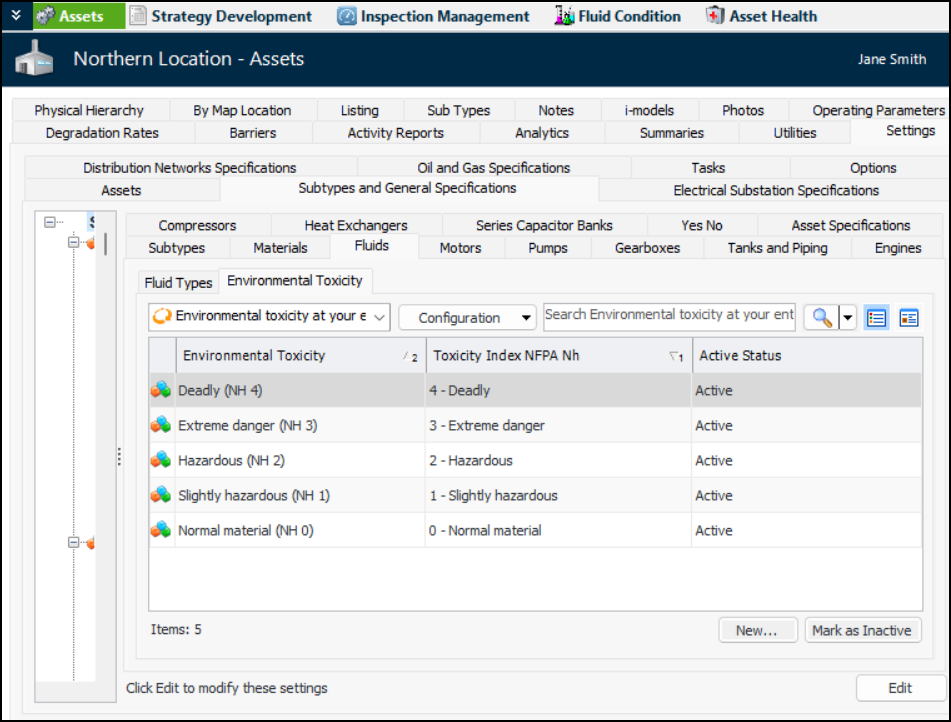
2. Click the Fluids tab and the Environmental Toxicity tab. This tab displays the toxicity values that have been defined for the enterprise. For example:
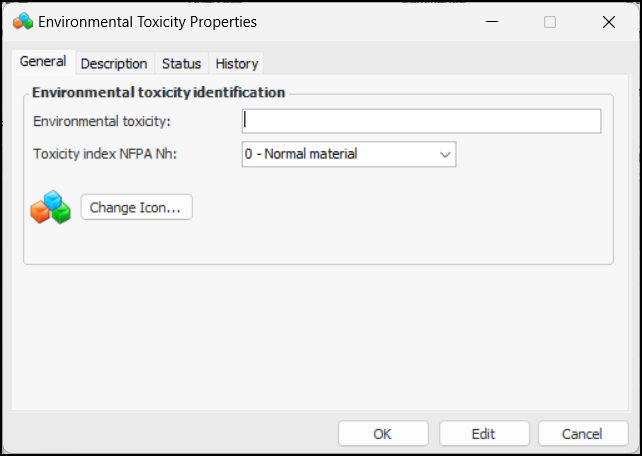
3. Click New. The Environmental Toxicity Properties dialog appears:
6. To change the icon that represents the value, click Change Icon, select a different graphic, and click OK.
7. Select the Description tab to add more information.