
Setting up Products for Production Loss Accounting
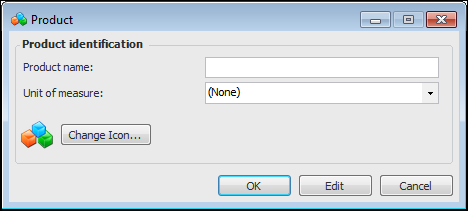
If the amount of lost production is tracked on an asset, you can identify the product that the asset produces and its unit of measure.

To Set up Products for Production Loss Accounting

1.
From the Site window, select the Performance Management view, Settings tab. Select the Downtime tab and the Downtime management settings node in the tree.
Tip: You can also click the Administration menu, Performance Management Settings, and then Downtime Management. The Downtime Management Settings dialog appears.
2.
Select the Products tab.
3.
Click New. The Product dialog appears.
4.
5.
To change the icon that represents the product, click Change Icon, select a graphic, and click OK.
6.
Click OK to close the Product dialog. The product is added to the list of products for the enterprise.