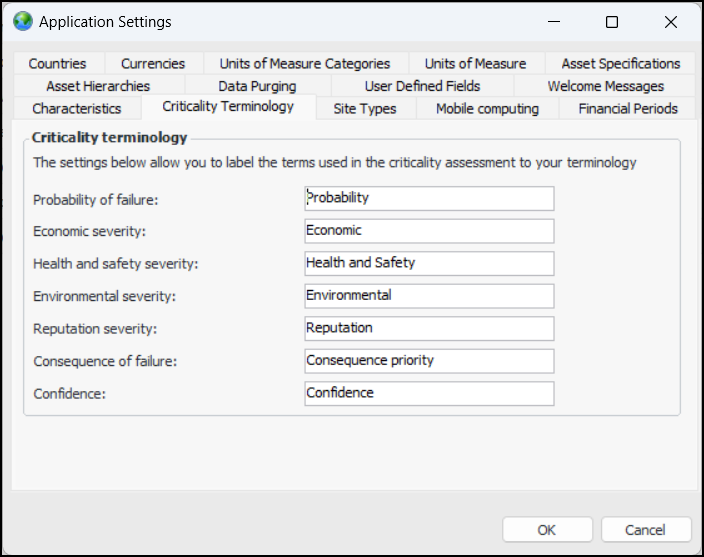
Concepts Settings Customizing Criticality Terminology You can customize the labels shown in anomaly events, risk assessments, asset risk summaries, and analysis reports. For example, everywhere that “Economic” appears, you could have “Financial” displayed. The labels and their default values are: • Probability of failure – “Probability” • Economic severity – “Economic” • Health and safety severity – “Health and Safety” • Environmental severity – “Environmental” • Reputation severity – “Reputation” • Consequence of failure – “Consequence priority” • Confidence – “Confidence” To Customize Criticality Terminology 1. Open the Enterprise window, click the Administration menu, and then Application Settings. 2. In the Application Settings dialog, select the Criticality Terminology tab: 3. Change the labels as required. 4. Click OK. Note: After upgrading to v 24.0.1, if you run APM in two or more languages other than English, you will need to enable multi-language data and translate the criticality labels from the default English. For more information, see Setting up Multi-Language Data.