
|
Setting the Policy for Copying Standard Tasks and Jobs
To Set the Policy for Copying Standard Job and Tasks Based on a Template
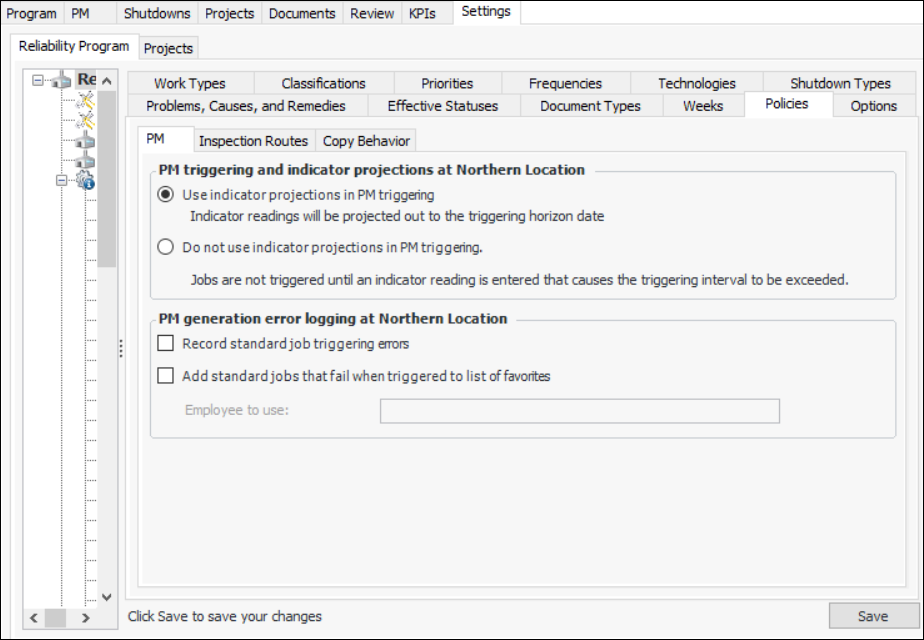
1. From the Site window, select the Reliability Program view and the Settings tab. Select the Reliability Program tab and the Reliability program settings node in the tree.Tip: You can also select the Administration menu and Reliability Program Settings. The Reliability Program Settings dialog appears.
2. Select the Policies tab.
3.
4. In the Source of new tasks and jobs created from a copy section, select the option for this site: