|
|


Controlling Checksheet Download and Export Using Checksheet Settings
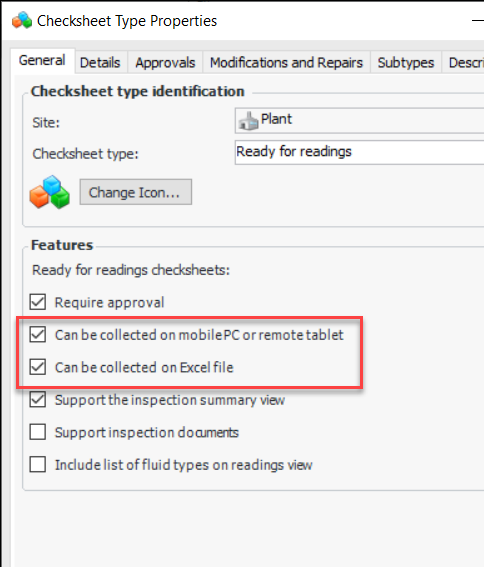
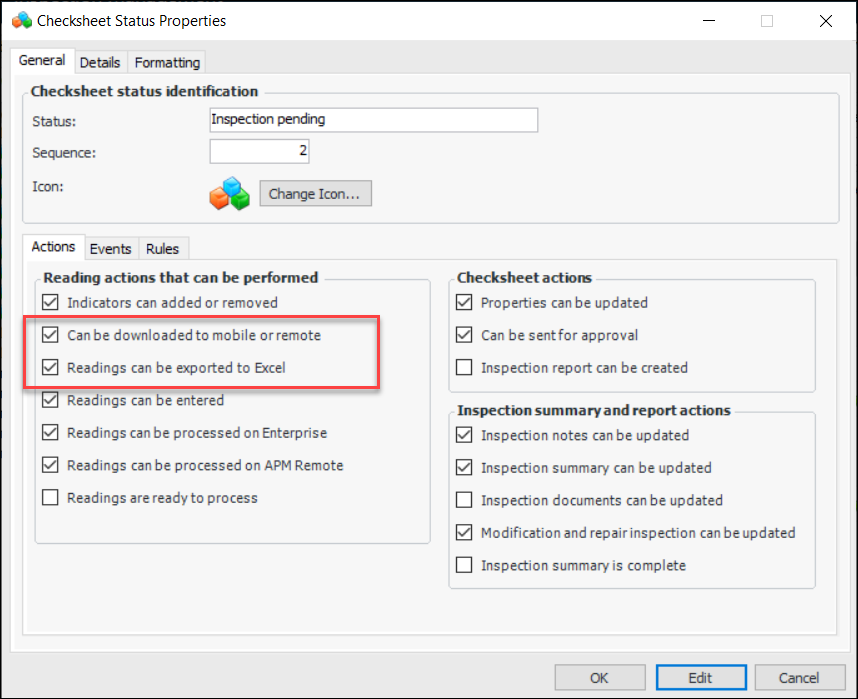
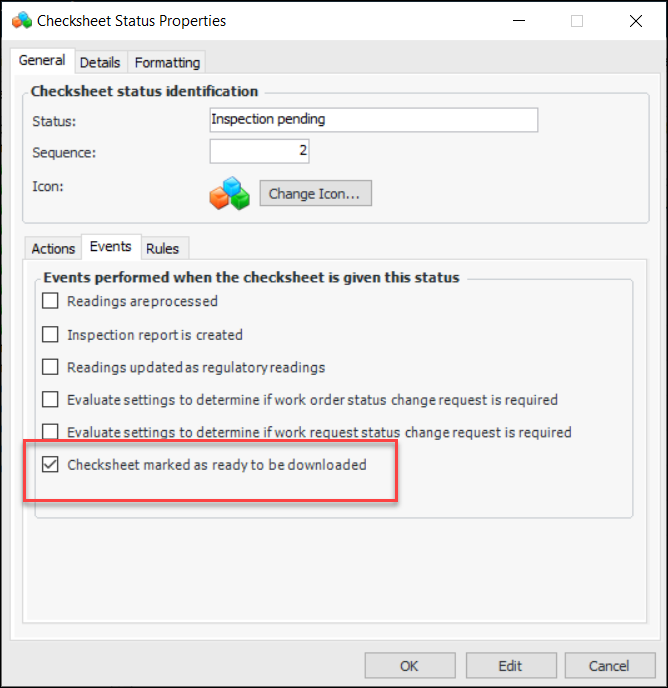
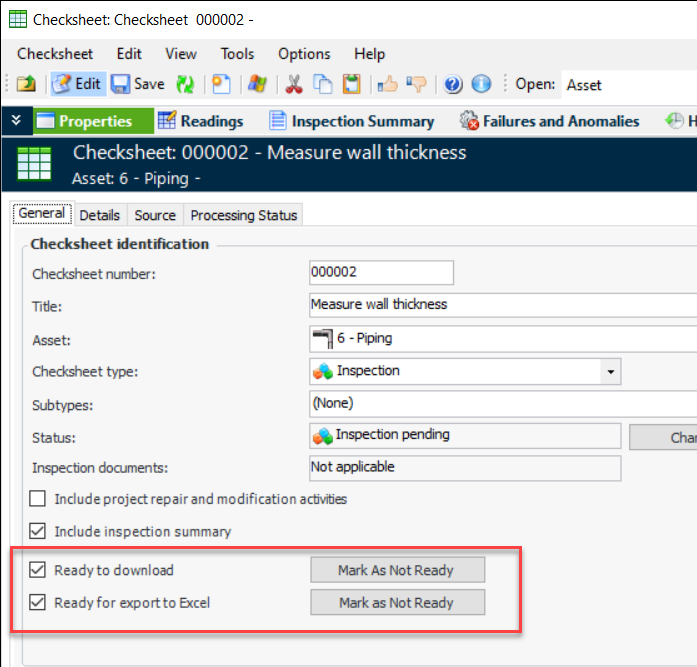
Your organization can use checksheet type and status to mark a checksheet as ready to be downloaded to APM Remote or APM Mobile Inspections and/or as ready to be exported to Excel®. For example, your company might require that an inspection plan be reviewed and validated before the checksheets can be downloaded to mobile devices for readings to be taken.