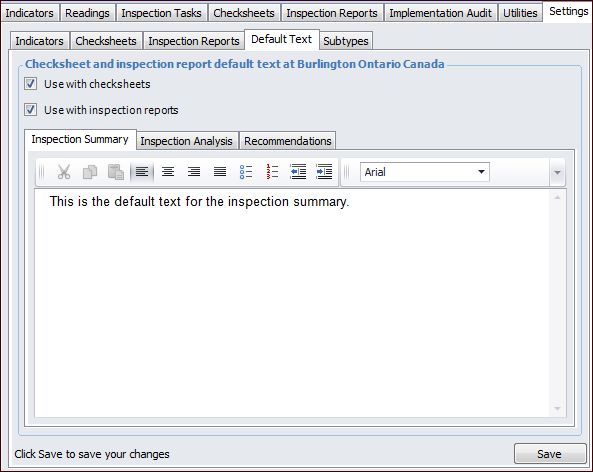
Setting Checksheet Default Text

You can specify the default text to appear in the analysis, summary, and recommendations sections in checksheets, inspection reports, or both.

To Set Checksheet Default Text

1.
From the Site window, select the Inspection Management view, the Settings tab, and then the Default Text tab.
Tip: You can also click the Administration menu, Inspection Management Settings, and then Default Text. The Inspection Settings - Default Text window appears.
2.
Click Edit to modify the site settings. The Edit button is replaced by the Save button.
3.
4.
Select the Inspection Summary tab and enter the default inspection summary text that will be displayed.
5.
Select the Inspection Analysis tab and enter the default inspection analysis text that will be displayed.
6.
Select the Recommendations tab and enter the default recommendations text that will be displayed.
7.