
Enabling Alarm Acknowledgment Risk Assessment

One of the first steps in setting up anomaly risk assessment is to enable risk assessment for alarm acknowledgments at the site.

To Enable Alarm Acknowledgment Risk Assessment
1.
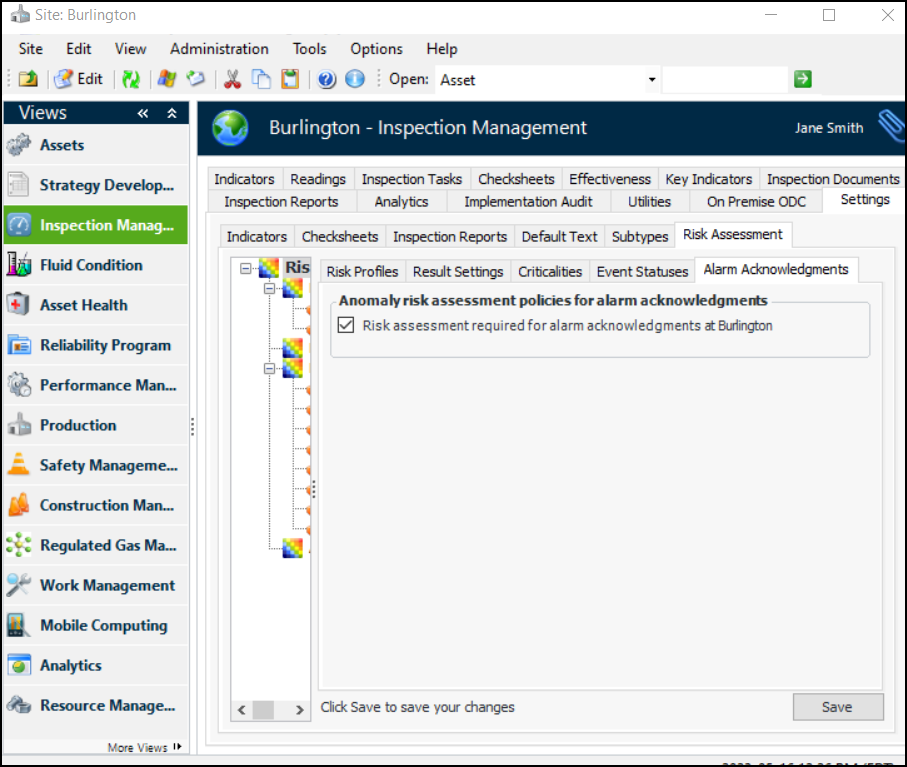
From the Site window, select the Inspection Management view and the Settings tab. Select the Risk Assessment tab and the Risk Assessment Management Settings node in the tree.
Tip: You can also select the Performance Management or Work Management view and then the Settings tab.
2.
Select the Alarm Acknowledgments tab.
3.
Click Edit to modify the site settings. The Edit button is replaced by the Save button.
4.
Click Risk assessment required for alarm acknowledgments. Tabs are added for the other settings. For example:
5.
Click Save.