Setting up Work Breakdown Structures

The work breakdown structure (WBS) is used to build the hierarchy location code of the work order tasks within your projects.
For more information about WBS and hierarchy location codes, see Capital and Operational Project Management.

To Set up a Work Breakdown Structure

1.
From the Site window, select the Work Management view and the Settings tab. Select the Projects tab and the Project management settings node in the tree.
Tip: You can also work with project settings in the Strategy Development, Reliability Program, or Performance Management views. Select the Settings tab and then the Projects tab.
2.
Select the WBS Codes tab.
3.
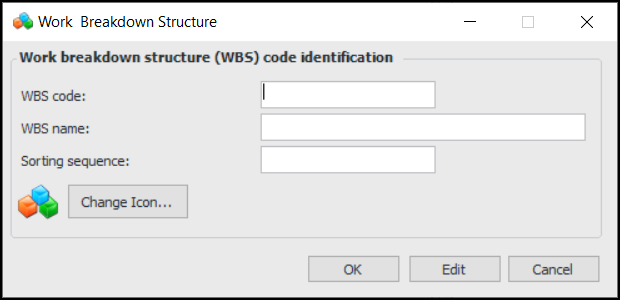
Click New. The Work Breakdown Structure dialog appears.
4.
5.
To use a different icon for the WBS, click Change Icon, select a different graphic, and click OK.
6.