|
|


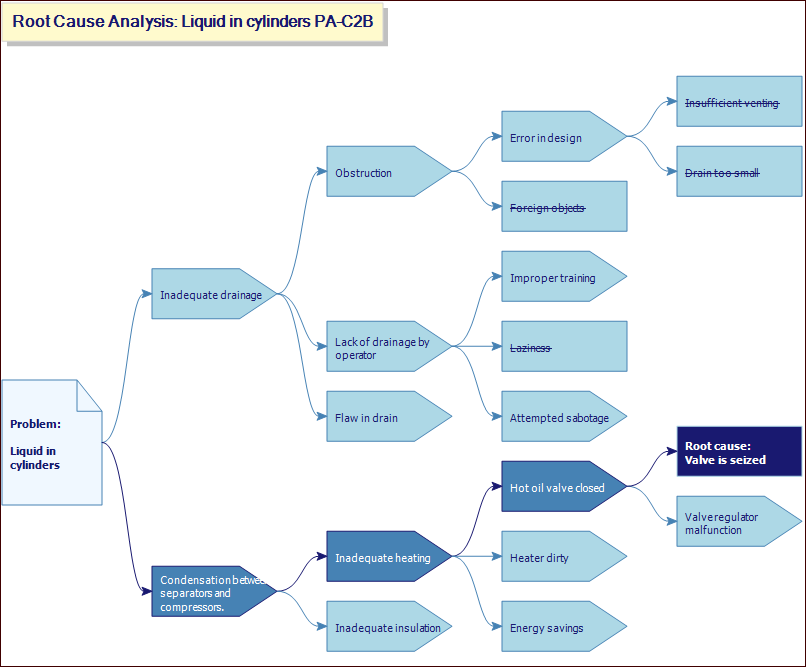
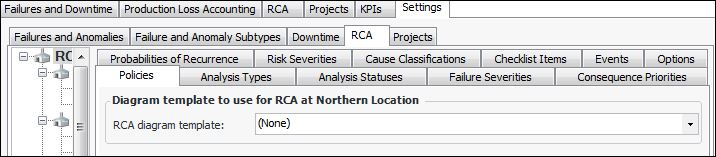
Selecting the RCA Diagram Template
An administrator can also copy one of the supplied templates and customize it for your needs. The diagrams are located in the Customization Center view, User Interface tab, Diagram Templates tab. For more information, see Customization Guide.To Select an RCA Diagram Template