Setting up Failure Mode Criticalities

Criticalities describe the severity of failure consequences. They are assigned to risk matrix entries to provide text in the risk matrix. They can also be selected when you are using weighted severity and relative risk to assess risk for a failure mode.
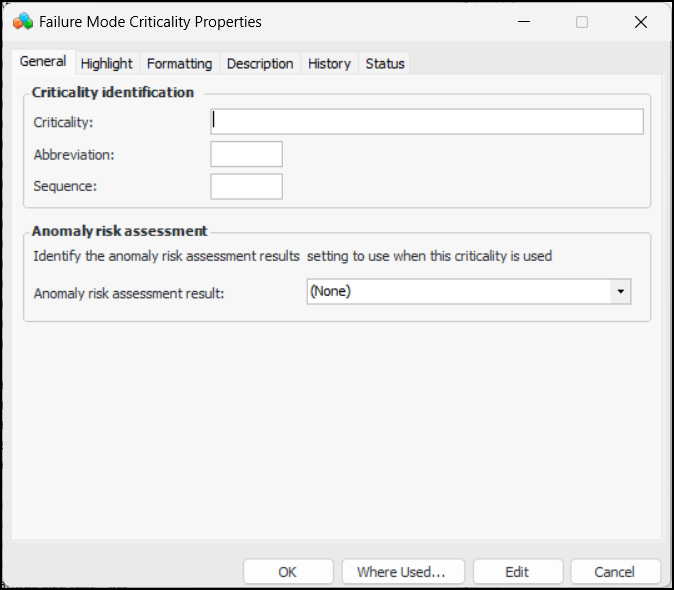
If your APM environment is configured to use AssetWise Enterprise Interoperability (AWEIS) and anomaly risk assessment integration, you can also select the anomaly risk assessment result to use when this criticality is applied. For more information, see Setting up APM for Anomaly Risk Assessment and Integration.
This topic explains how to add failure mode criticalities.

To Create Criticalities

1.
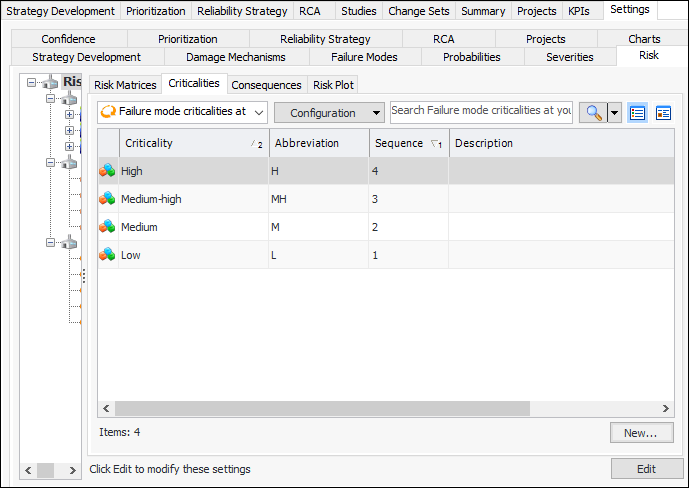
On the site’s Strategy Development view, select the Settings tab, the Risk tab, and the Risk settings node in the tree.
Tip: You can also select the site’s Administration menu, Strategy Development Settings, Risk Analysis and then Risk Analysis. The Risk Process and Matrix Settings dialog appears.
2.
Select the Criticalities tab.
3.
For each criticality value you will need, click New. The Failure Mode Criticality dialog appears.
4.
5.
In the Abbreviation box, provide a short form for the criticality.
6.
7.
8.
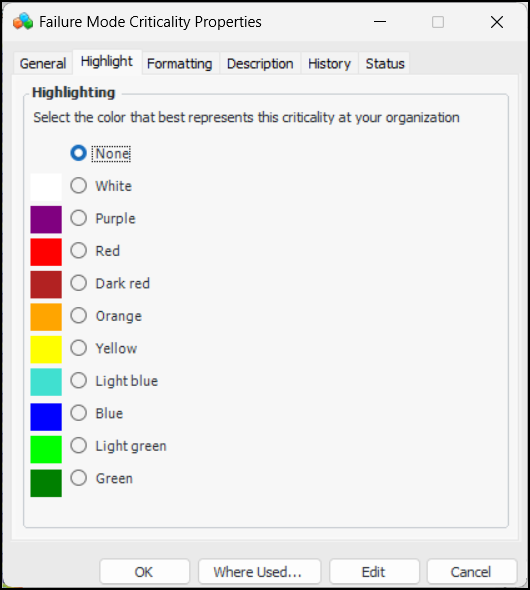
Select the Highlight tab.
9.
10.
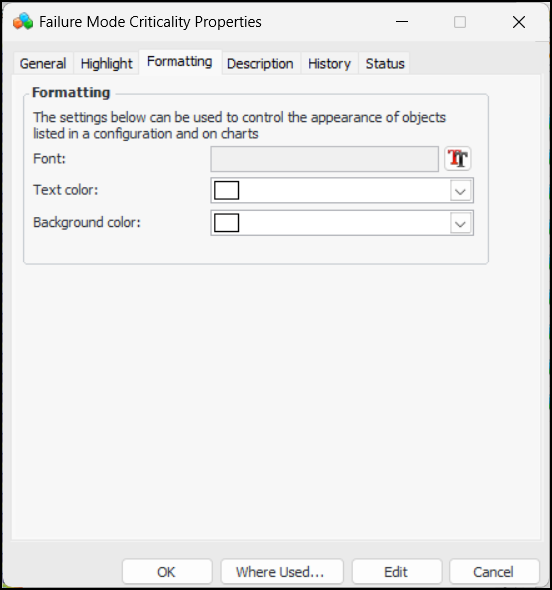
Select the Formatting tab.
11.
12.
Select the Description tab to provide more information.
13.
Click OK. The dialog closes and the criticality is added to the tab.