|
Setting up Project Cost Calculation
• Update projects manually. In the Project window, click the Tools menu and Recalculate Costs. The cost summaries for the current project and its descendant projects are recalculatedTo Disable Real-time Project Cost Calculation
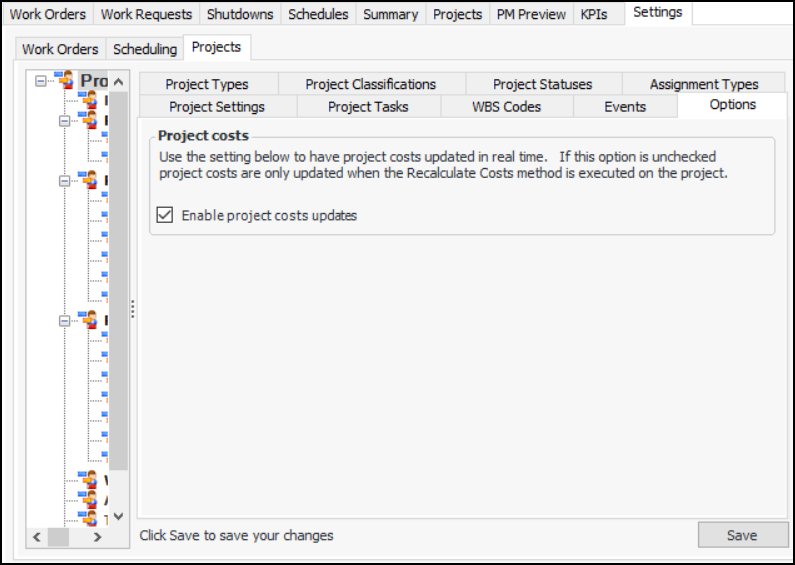
1. From the Site window, select the Work Management view and the Settings tab. Select the Projects tab and the Project management settings node in the tree.Tip: You can also work with project settings in the Strategy Development, Reliability Program, or Performance Management views. Select the Settings tab and then the Projects tab.
2. Select the Options tab.
3.
4. Clear the selection of Enable project cost updates.
5. Click Save. Now, project costs must be recalculated manually.To Recalculate Project Costs Manually
2.
3. Click Yes. It might take a few minutes to recalculate the costs, depending on the size of the project structure and the number of work order tasks and transactions associated with the project.