|
Setting up Oil Preservation System Types
To Set up an Oil Preservation System Type
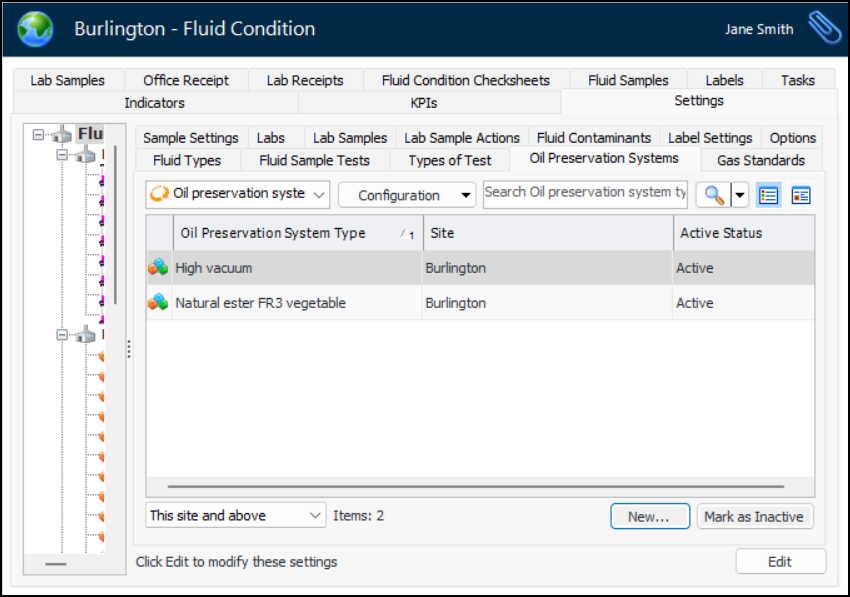
1. From the Site window, select the Fluid Condition view, Settings tab. Select the Fluid Condition Settings node in the tree.Tip: You can also click the Administration menu and Fluid Condition Settings. The Fluid Condition Settings dialog appears.
2. Select the Oil Preservation Systems tab. This tab lists the types that have been created for the site. For example:You can mark a type as inactive until it is ready to be used. Select the type in the table and click Mark as Inactive. The Mark as Inactive/Active dialog appears, where you can enter a comment. When you click OK, a confirmation message appears. Click OK. When you are ready, click Mark as Active to make the type available for use.
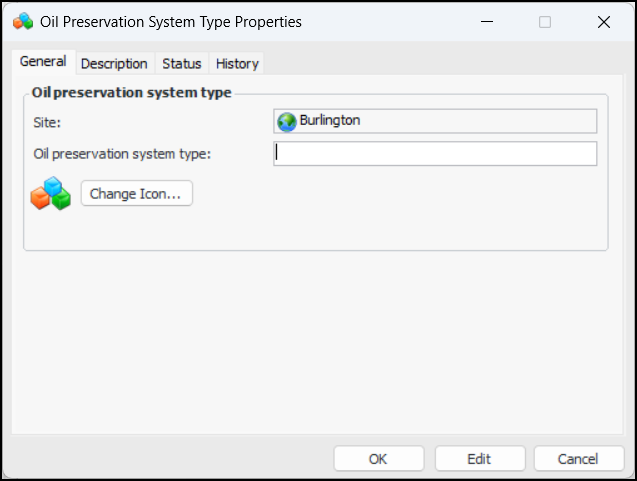
3. Click New. The Oil Preservation System Type Properties dialog appears:
5. If you wish to change the graphic that represents the type in tables and charts, click Change Icon, select an icon, and click OK.
6. Select the Description tab to provide more information.
7. Click OK. The dialog closes and the type is added to the Oil preservation system types table.