|
Setting up Symptoms
To Create a Symptom
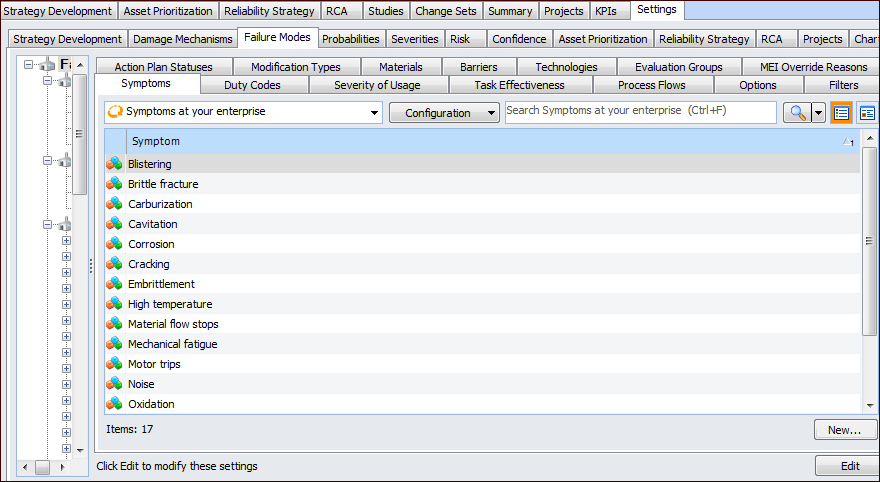
1. On the site’s Strategy Development view, select the Settings tab. Select the Failure Modes tab and the Failure mode settings node in the tree.Tip: You can also select the site’s Administration menu, Strategy Development Settings, and then Failure Modes. The Failure Mode Management Settings dialog appears.
2. Select the Symptoms tab.
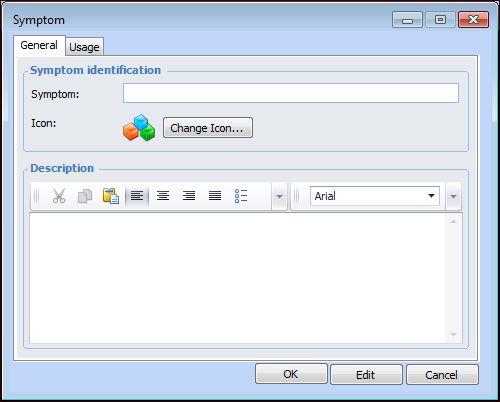
3. Click New. The Symptom dialog appears.
5.
7. Click OK to close the dialog. The symptom appears in the tab.Tip: When the symptom is in use, you can return to this dialog and select the Usage tab. It lists the failure modes that reference the symptom.