|
Setting up MEI Override Reasons
In some cases, the proposed task is not justified but needs to be performed anyway, (for example, because of regulatory requirements). The analyst can select the Override result action and then select a reason from the list of MEI override reasons defined for the site. Even when a task is justified, the analyst can override the result and select a reason.To Create an MEI Override Reason
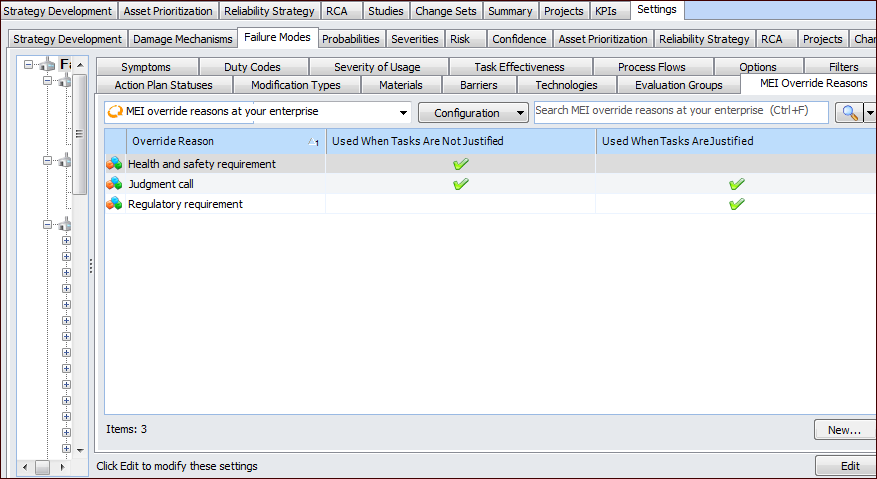
1. On the site’s Strategy Development view, select the Settings tab. Select the Failure Modes tab and the Failure mode settings node in the tree.Tip: You can also select the site’s Administration menu, Strategy Development Settings, and then Failure Modes. The Failure Mode Management Settings dialog appears.
2. Select the MEI Override Reasons tab.
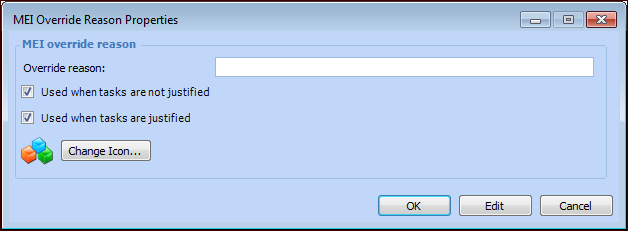
3. Click New. The MEI Override Reason Properties dialog appears.
6.
7. Click OK to close the dialog. The override reason appears in the tab.