Setting up FM Failures

When the functionality is enabled in MTA2 and RCM2 analyses, users can add FM failures, parts, and FM causes to failure modes. This topic explains how to define the FM failure values that will be available for the user to select.

To Set up FM Failures

1.
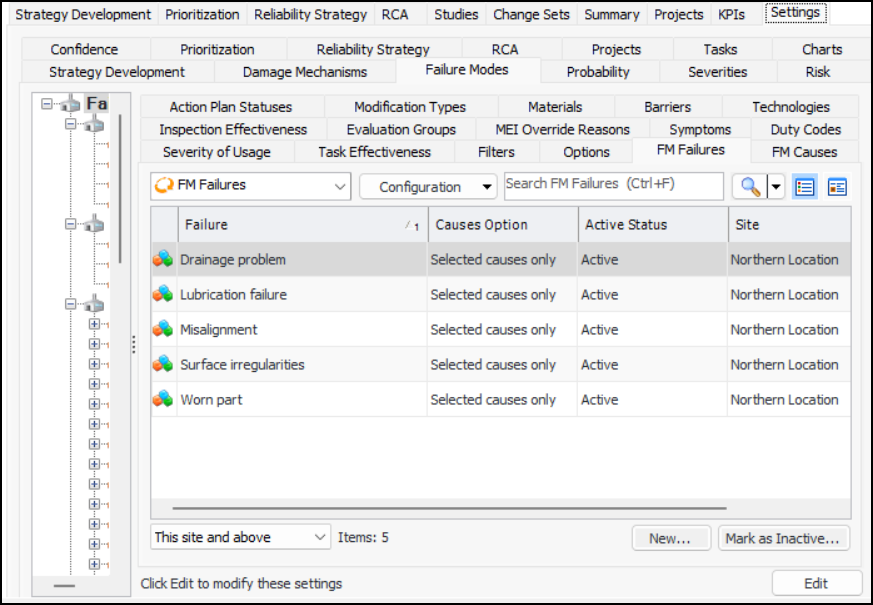
On the site’s Strategy Development view, select the Settings tab. Select the Failure Modes tab and the Failure mode settings node in the tree.
Tip: You can also select the site’s Administration menu, Strategy Development Settings, and then Failure Modes. The Failure Mode Management Settings dialog appears.
2.
Select the FM Failures tab.
3.
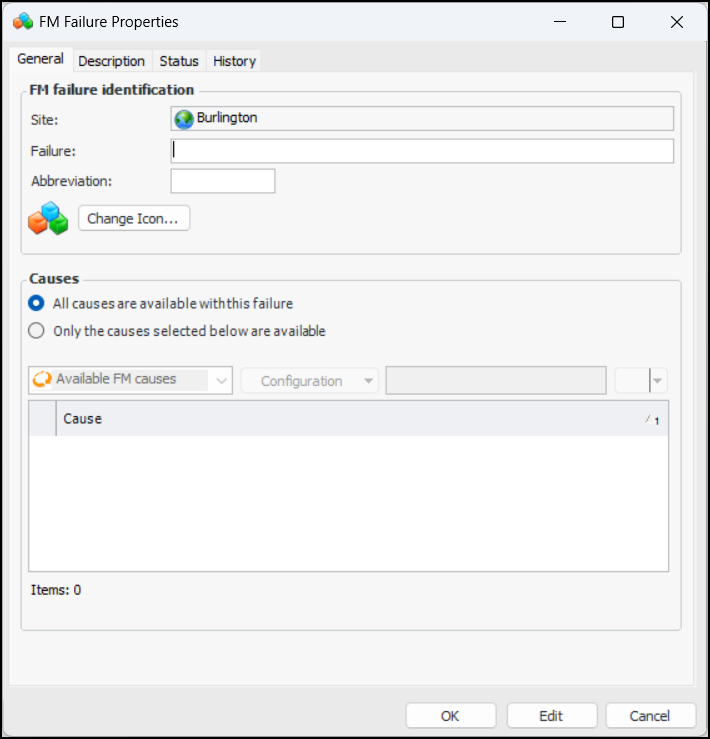
Click New. The FM Failure Properties dialog appears:
4.
5.
6.
7.
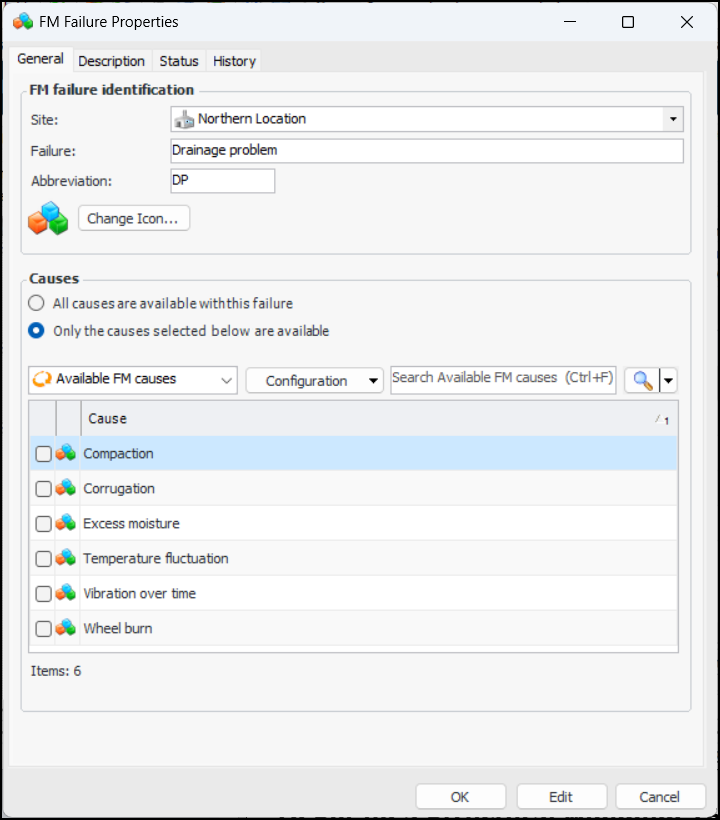
By default, all FM causes are available for use with the failure. To restrict available causes to specific values, click Only the causes selected below are available. All FM causes defined for the site are displayed. For example:
8.
9.
Select the Description tab to provide more information about the failure.
10.
Click OK to close the dialog. The value is added to the FM Failures table.