|
Setting Options for CMMS Tasks
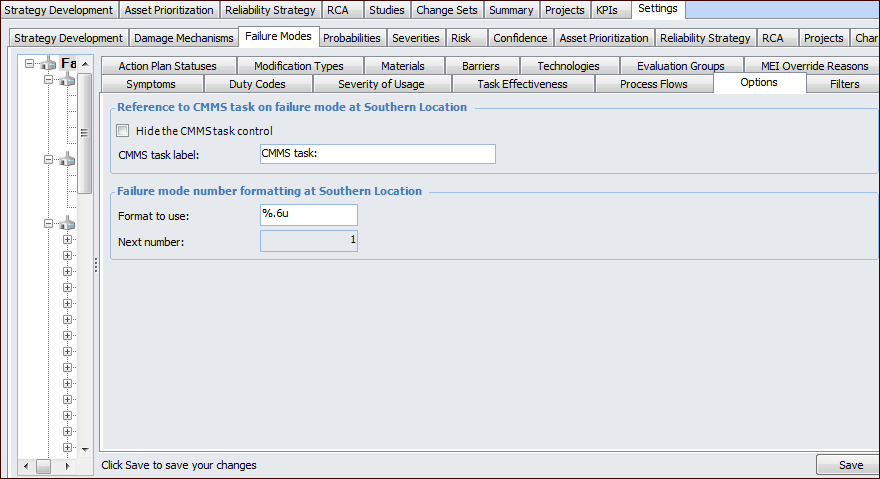
To Set Options for CMMS Tasks

1. On the site’s Strategy Development view, select the Settings tab. Select the Failure Modes tab and the Failure mode settings node in the tree.Tip: You can also select the site’s Administration menu, Strategy Development Settings, and then Failure Modes. The Failure Mode Management Settings dialog appears.
2. Select the Options tab.
3.
• To prevent the CMMS Task options from appearing in action plans, select Hide the CMMS task control.
• To change the label, replace “CMMS task:” in the CMMS task label box.
5. Click Save.