Setting up Degradation Patterns

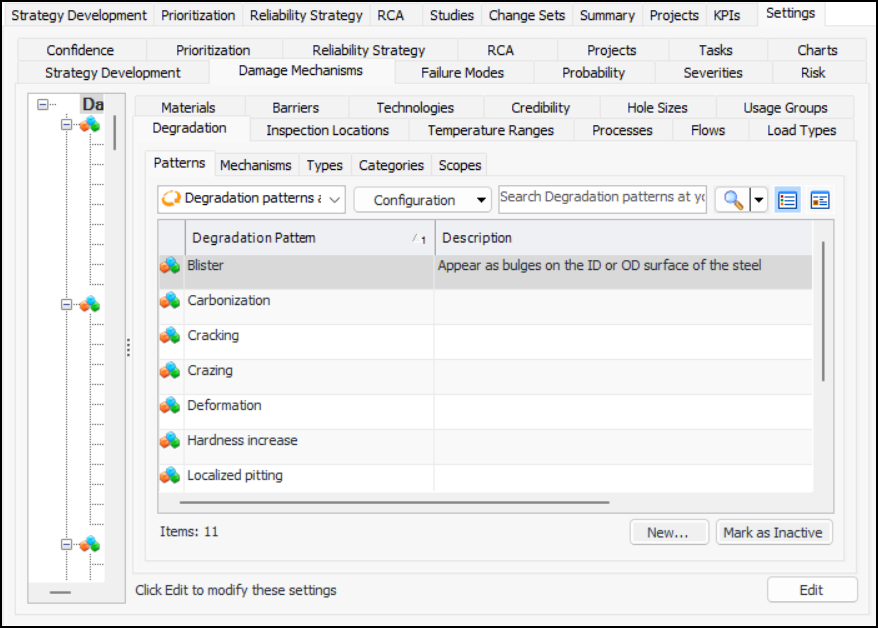
A degradation pattern describes the form that the deterioration takes, for example, blister, cracking, and localized pitting. This topic explains how to set up degradation patterns.

To Set up Degradation Patterns

1.
On the site’s Strategy Development view, select the Settings tab. Select the Damage Mechanisms tab and the Damage mechanisms settings node in the tree.
Tip: You can also select the site’s Administration menu, Strategy Development Settings, and then Damage Mechanism Library. The Damage Mechanisms Management Settings dialog appears.
2.
Select the Degradation and Patterns tabs.
3.
[
4.
5.
6.
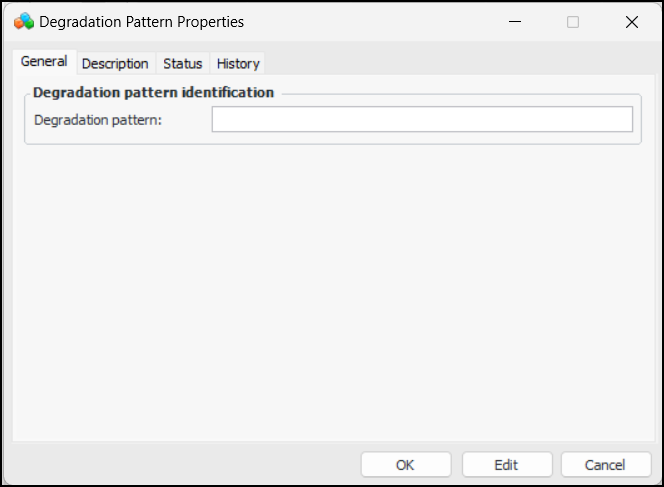
Click OK. The dialog closes and the pattern is added to the table.