|
Setting up Degradation Scopes
To Set up Degradation Scopes
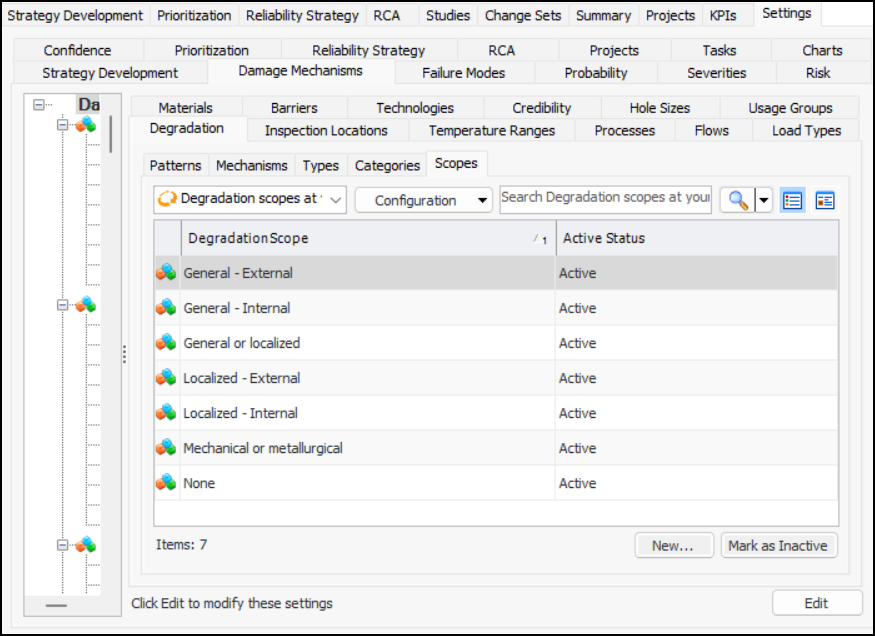
1. On the site’s Strategy Development view, select the Settings tab. Select the Damage Mechanisms tab and the Damage mechanisms settings node in the tree.Tip: You can also select the site’s Administration menu, Strategy Development Settings, and then Damage Mechanism Library. The Damage Mechanisms Management Settings dialog appears.
2.
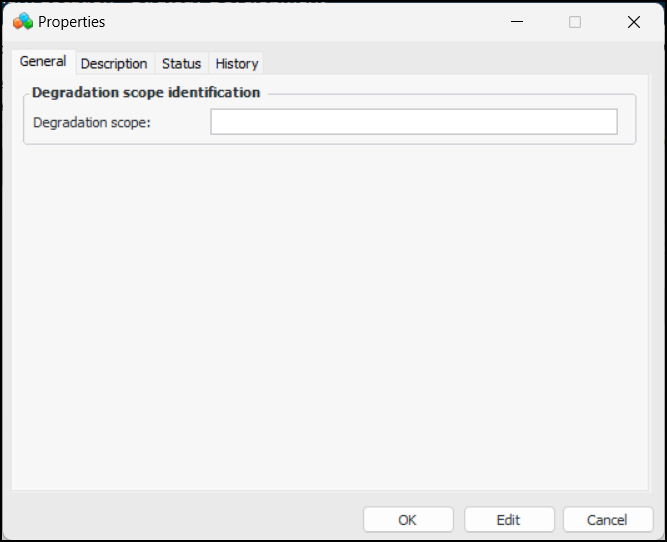
3. For each of the degradation scopes required by your organization, click New. The Properties dialog appears.
5. Enter a description of the scope on the Description tab.
6. Click OK. The dialog closes and the scope is added to the table.