|
Setting up Asset Restoration Plan Types
To Set up an ARP Type
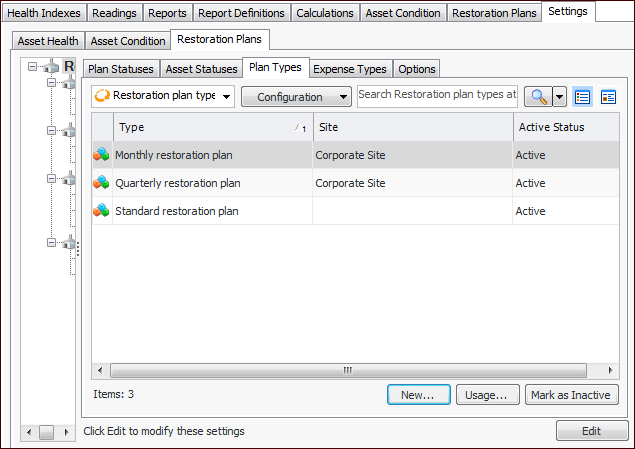
1. On the site’s Asset Health view, select the Settings tab, the Restoration Plans tab, and the Restoration plans settings node in the tree.Tip: You can also select the site’s Administration menu, Asset Health Settings, and then Restoration Plans. The Asset Restoration Plans Settings dialog appears.
2. Select the Plan Types tab. This tab lists the plan types at your enterprise.
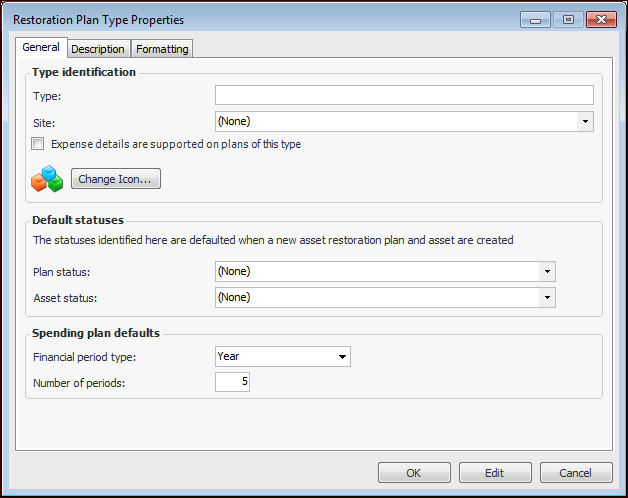
3. Click New. The Restoration Plan Type dialog appears:
5. Select the Description tab to provide more information.
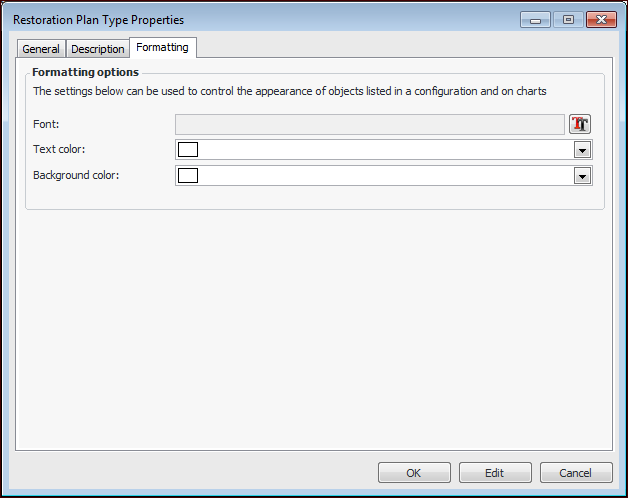
6. Select the Formatting tab if you wish to distinguish the type from others when it appears in tables and charts.
8.