Setting up Criteria for Condition Analysis

Analysis criteria define the business goals against which assets are assessed during the analysis. Examples are Percentage of assets requiring replacement and Asset life expectancy. Each criterion is assigned a name, sequence number, maximum score, and, optionally, a rule set and weighting factor (as explained below).
Each criterion requires two or more criteria consequences, each with a score and example. You will assign these scores to assets during the analysis.
During an asset condition analysis, you will select a score for each criterion for the asset being assessed. The scores for all criteria are used to determine the asset’s condition.
This topic explains:

Rule Sets

If you wish to tailor analyses for families of assets, you can define a rule set with a descriptive name, for example, IT Equipment. Select the rule set when creating analysis criteria. Then, when you are setting up conditions, select the rule set on rule clauses to filter the list of criteria available.
In the asset condition analysis, select the appropriate rule set. When APM calculates the scores on the analysis, it uses only the rules that reference that rule set. If the analysis does not have a rule set, only rules that do not have rule sets are used.

Weighting Factors

After criteria have been determined, stakeholders decide if any of the criteria should be given more importance. This is done by assigning weighting factors (whole numbers greater than 0) to criteria to raise or lower the significance of individual criteria. The consequence score is multiplied by the weighting factor. For example:

To Define an Analysis Criterion

1.
On the site’s Asset Health view, select the Settings tab, the Asset Condition tab, and the Asset condition settings node in the tree.
Tip: You can also select the site’s Administration menu, Asset Health Settings, and then Condition Analyses. The Asset Condition Analysis Settings dialog appears.
2.
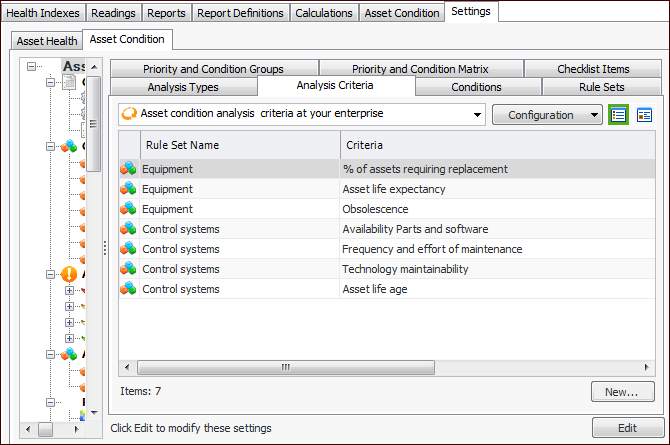
Select the Analysis Criteria tab. The tab lists the criteria provided by APM and any created for your organization.
3.
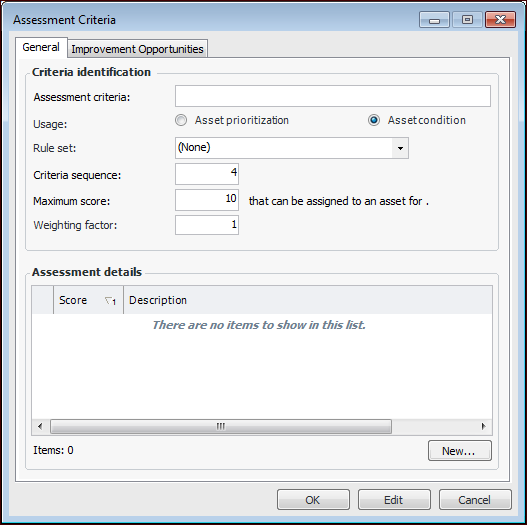
Click New. The Assessment Criteria dialog appears.
4.
On the General tab, enter the following information:
5.
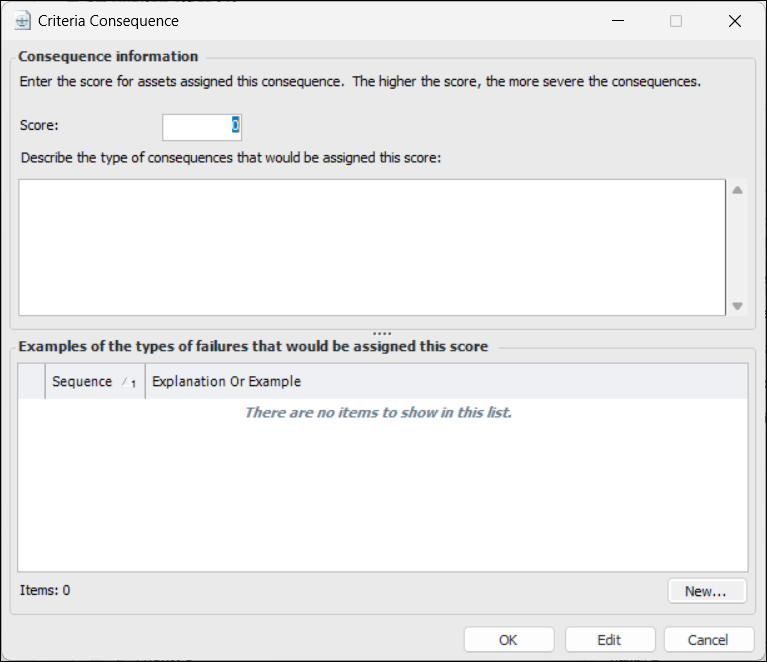
For each consequence you wish to add, click New. The Criteria Consequence dialog appears:
6.
7.
8.
9.
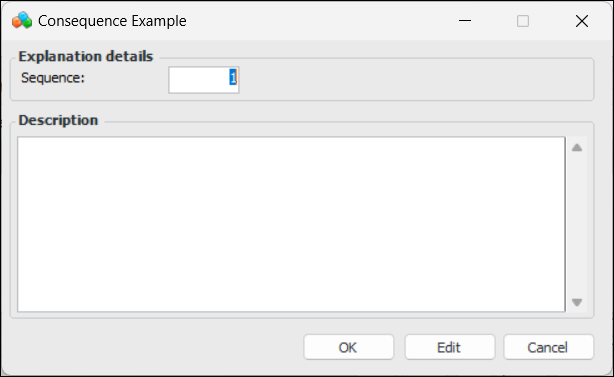
Click OK to save the example or explanation.
10.
Click OK to save the criteria consequence.
11.
On the Improvement Opportunities tab, you can enter the types of improvements that can be made for this criterion.
12.
When you are finished, click OK to save the criterion.