|
Working With a Project’s Links to MTA2 Action Plans
To Work With a Project’s Links to Action Plans
1.
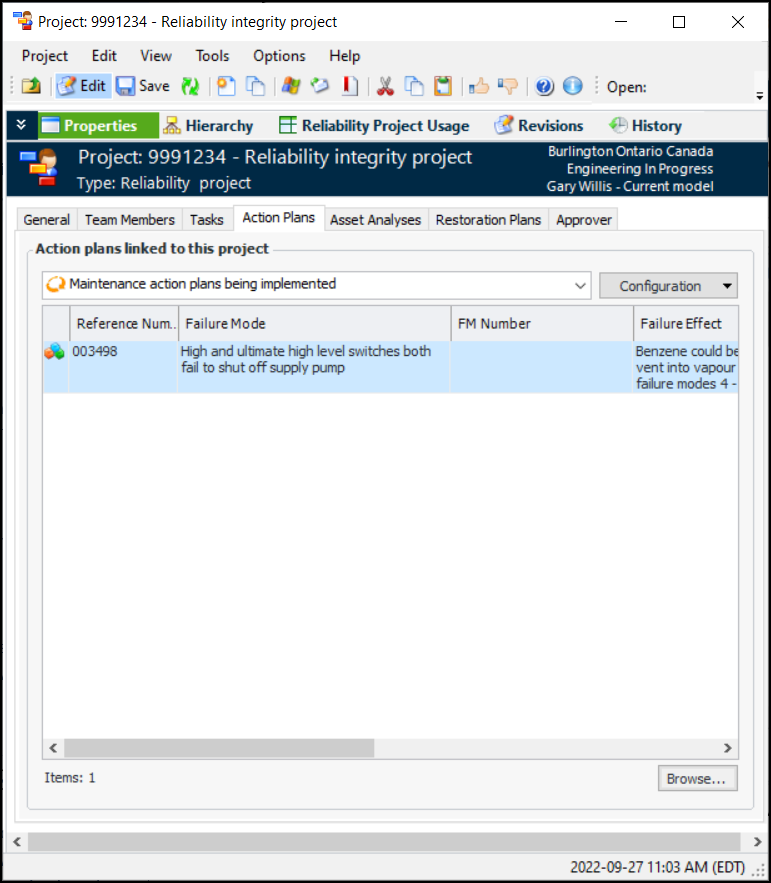
3. In the Project window, Properties view, select the Action Plans tab. This tab lists the action plans that have been linked to the project.
• Click Browse. The Failure Mode Selector dialog appears, listing failure modes that recommend modification/redesign and have the status Facilitation Completed.
•
5. To remove a link to a maintenance action plan, select the action plan and press Delete. In the confirmation dialog, click Yes. The link is removed from the project and the action plan.