Recording the Primary Asset’s Operating Context for an MTA2

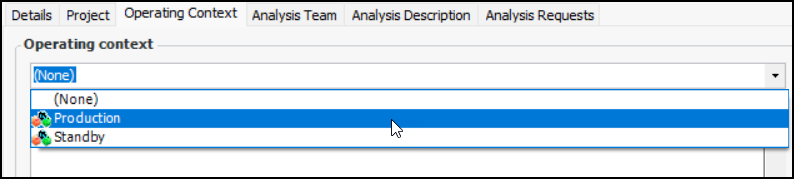
The analysis team needs a good understanding of the circumstances in which the primary asset operates in order to define failure modes and action plans. Recording the operating context in APM involves selecting an operating context from the list and then entering a detailed description. The description typically includes how and where the asset is used and the performance criteria that apply to output, throughput, safety, environmental integrity, and so on.
Note: Operating context values are defined at the site level, in the Strategy Development settings. For more information, see Setting up Operating Contexts.

To Record the Assets’ Operating Context

1.
Open the analysis and select the Properties view, General tab.
2.
3.
Select the Operating Context tab.
4.
Tip: To create an operating context, right-click in the Operating context box and click New.
5.