|
|


Linking a Standard Task to Action Plans
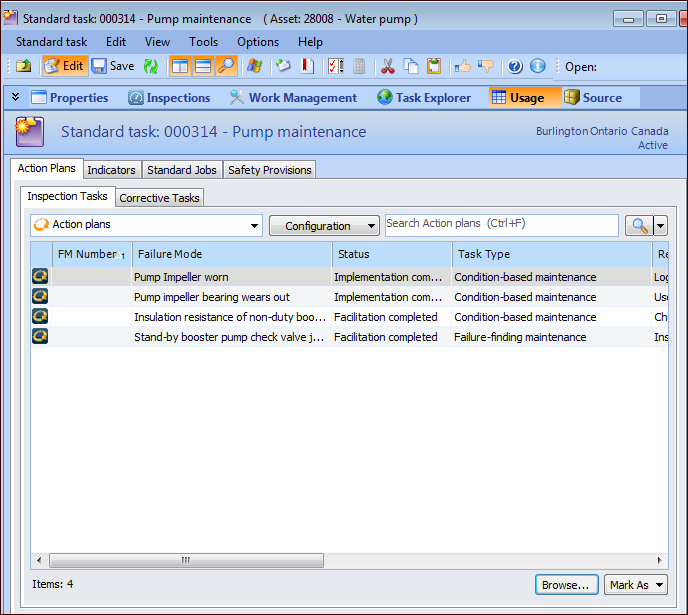
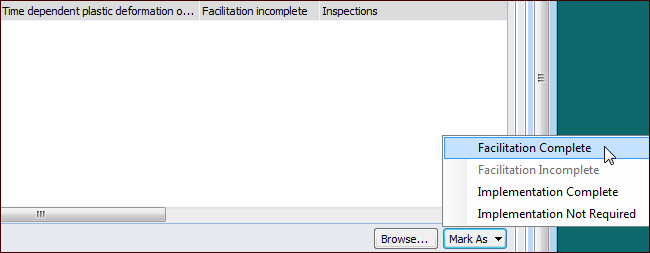
Alternatively, from the Standard Task window, you can link the standard task to two or more action plans. The Inspection task reference on each action plan is updated with the standard task’s number and title. The action plans’ manually-collected indicators are added to the standard task.You can also view and open the action plans that reference the standard task from the Standard Task window’s Usage view. You can also update the action plans’ statuses.To Link a Standard Task to Action Plans
To Review Linked Action Plans
 is enabled.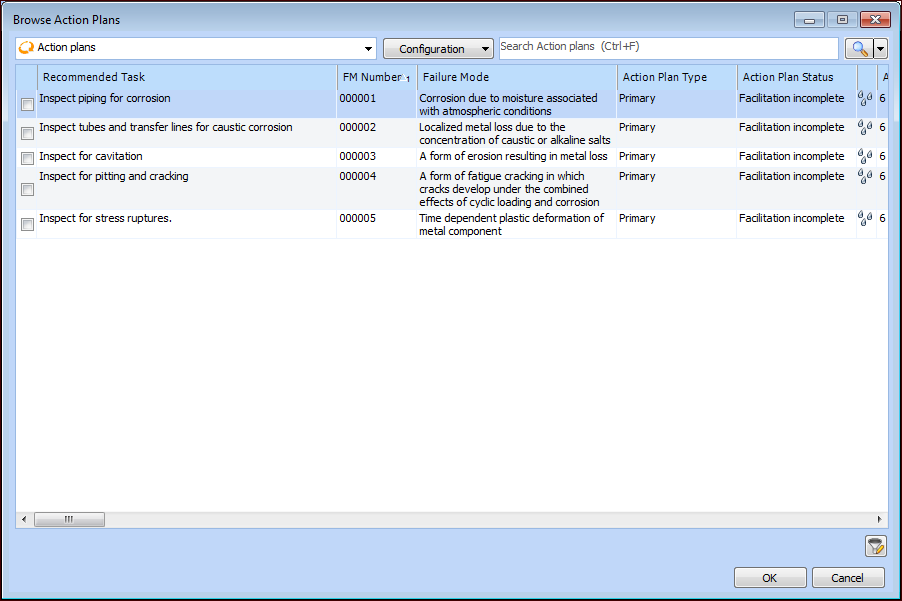
 to open the list of filters. Select the filter values and click
  to return to the Browse Action Plans dialog.