
|
|


Linking a Task Template to an SAP General Task List
To Link a Task Template to an SAP General Task List
 is enabled.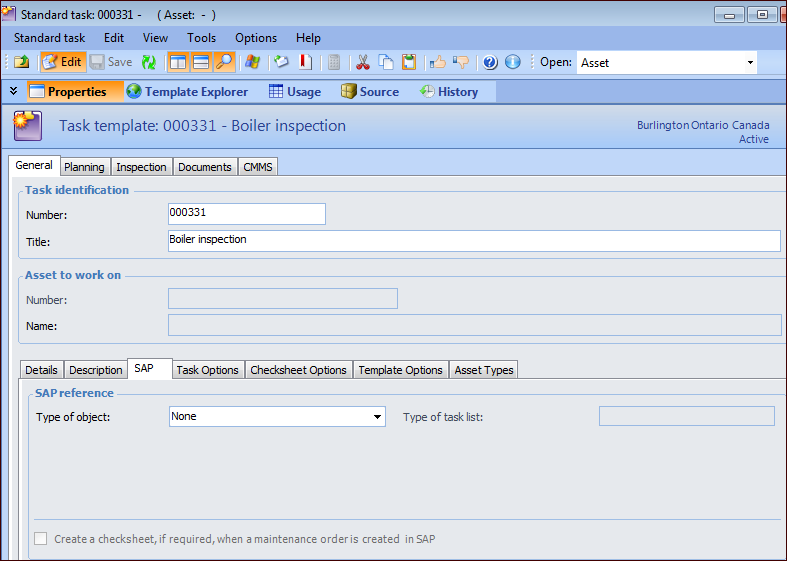
 ) to open the browse dialog, where you can select criteria for filtering the list of items.
  to view the list of items. (You can return to the criteria to refine the filters by clicking
  .)
.)