
Creating a Template from an Indicator

You can create an indicator template from an indicator that is not based on a template.

To Create a Template from an Indicator
1.
2.
Click the Indicator menu, Create, and then Template From. In the confirmation window that appears, click Yes.
The Indicator template window opens, where you can finish creating the template.
3.
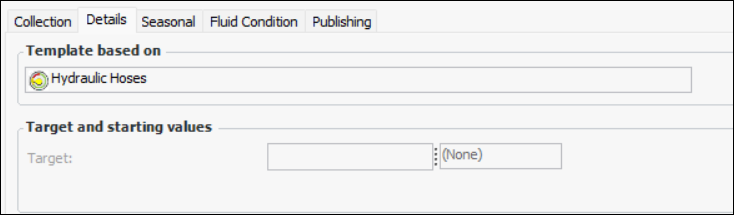
The original indicator’s General tab, Details tab shows that the indicator is based on the new template. For example: