Marking Warehouse Items as Inactive or Active

At times you might need to discontinue the use of a warehouse item. You can mark any warehouse item as inactive as long as the on-hand balance of the item is zero. If the item is inactive in every warehouse in your corporation, the system lists the fulfillment method of the item or resource as Purchase when it is listed as a requirement on a work order.
If an inactive item is needed again, you can mark it as active.
All activity pertaining to marking a warehouse item active or inactive is recorded on the item’s History view, by Event tab.

To Mark a Warehouse Item as Inactive

1.
2.
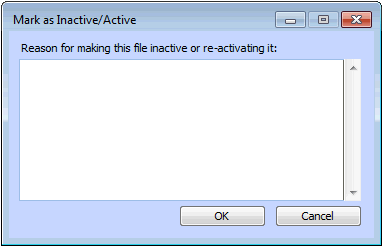
Open the warehouse item. From the Warehouse Item menu, select Mark as Inactive. The Mark as Inactive/Active dialog appears.
3.
4.
Click OK. The system displays a confirmation message. Click OK.

To Mark a Warehouse Item as Active

1.
2.
From the Warehouse Item menu, select the Mark as Active option. The Mark as Inactive/Active dialog appears.
3.
4.
Click OK. The system displays a confirmation message. Click OK.