|
Printing Storage Labels for a Warehouse Item
•Printer Requirements
This topic explains how to print labels for a single warehouse item. To print bin labels for multiple items in a warehouse, see Printing Bin Labels for a Warehouse.To Print Storage Labels for a Warehouse Item
1.
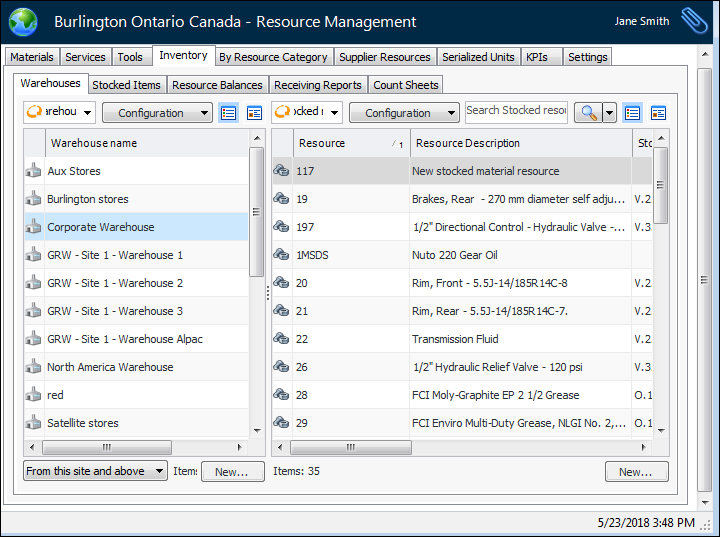
2. Select the Warehouses tab. This tab shows a list of your site’s warehouses.
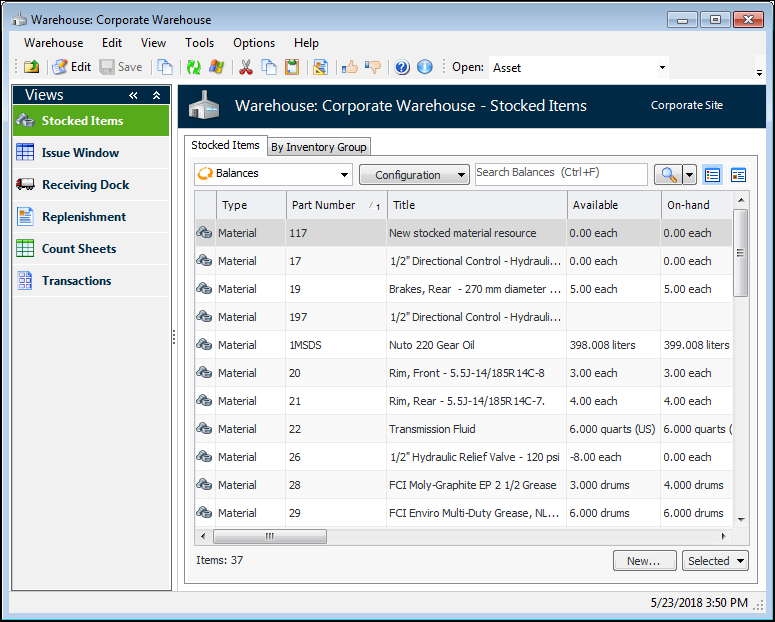
3. Double-click the warehouse that you want to open. APM opens the warehouse’s Stocked Items view.
4. Find the warehouse item, right-click it, and select Print Storage Labels. The Print Labels dialog appears.
5. Click OK. The system prints the labels on the selected printer.