|
|


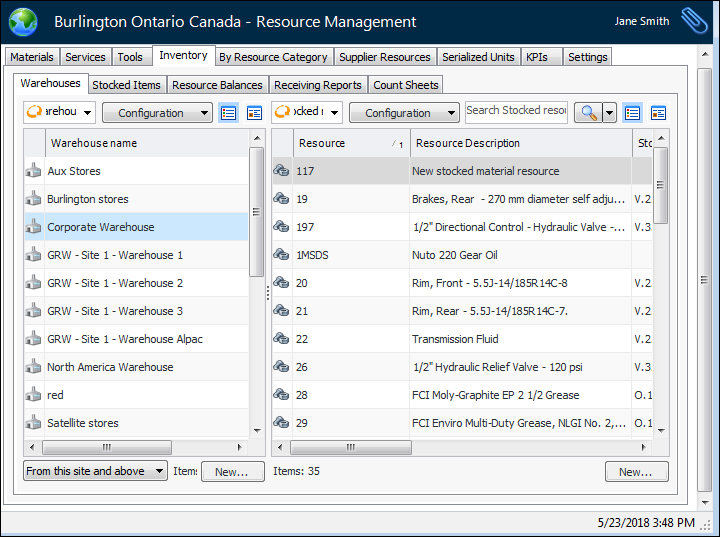
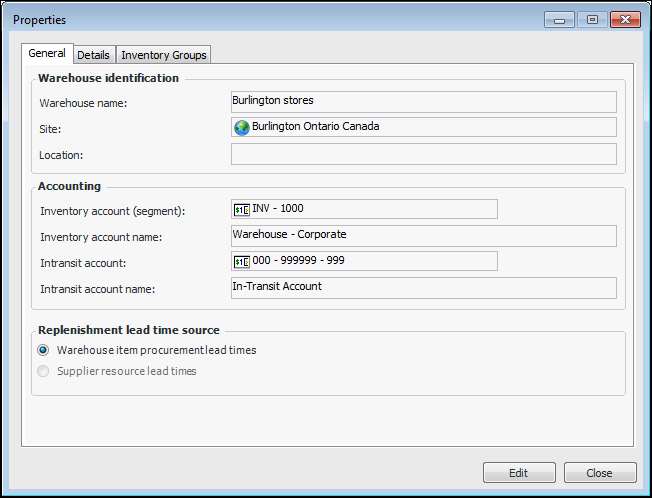
Working with Warehouses
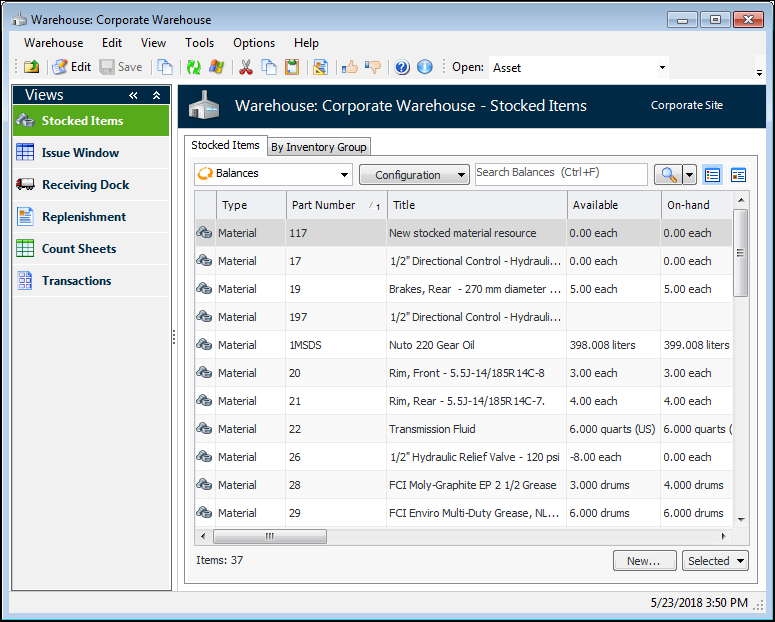
You can also view the warehouse items sorted by warehouse inventory group. This allows you to view inventory balances for regular or consignment warehouse items. See Viewing Inventory Balances for a Warehouse Inventory Group.To Open a Warehouse
Stocked Items
Issue Window
Receiving Dock
Replenishment
Count Sheets
Transactions