|
|


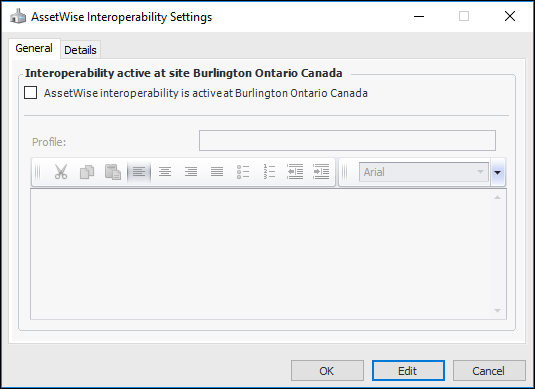
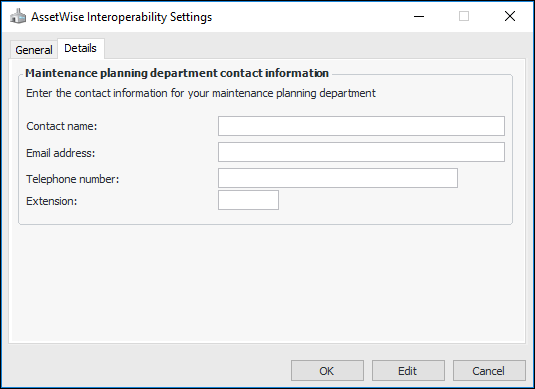
Activating AssetWise Enterprise Interoperability in APM
Note: The Work Management Integration module must be selected in Site Properties so that the site can use interoperability. For more information, see Enabling and Disabling Application Modules on Sites.At the site level, you can select a site interoperability profile that determines what information is displayed in the site views. For more information, see Setting up Site Interoperability Profiles for AWEIS.To Activate Interoperability for Sites