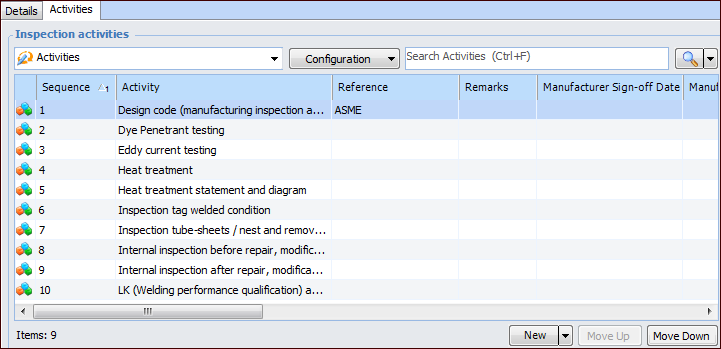
Select the Activities tab to work with the inspection activities assigned to the checksheet type. For example:
You can add new or existing activities as required. Review the activities and add references, remarks, and sign-off statuses. In the Activities tab, use in-line editing to enter values, or double-click an activity to open its dialog. For each activity, you can record:
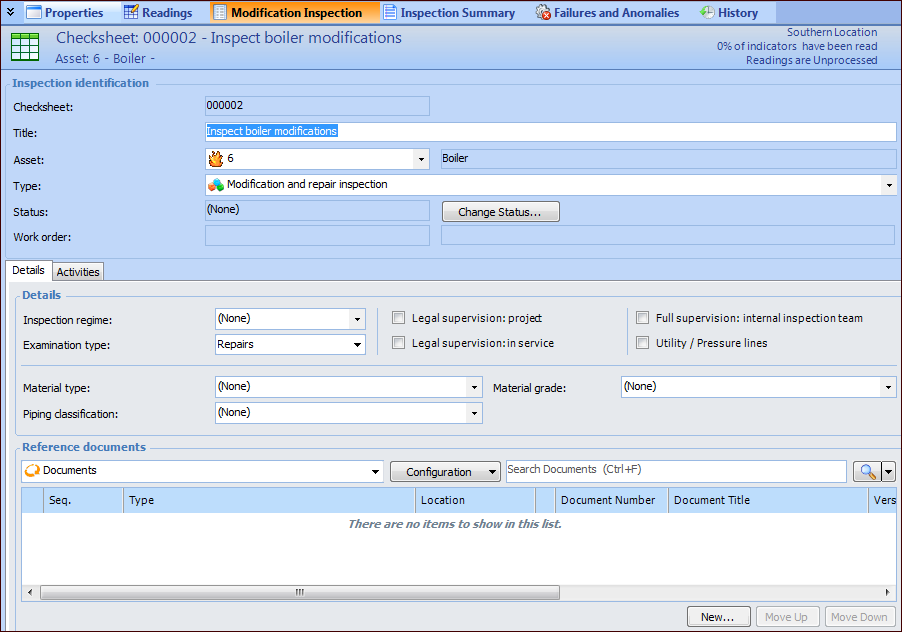
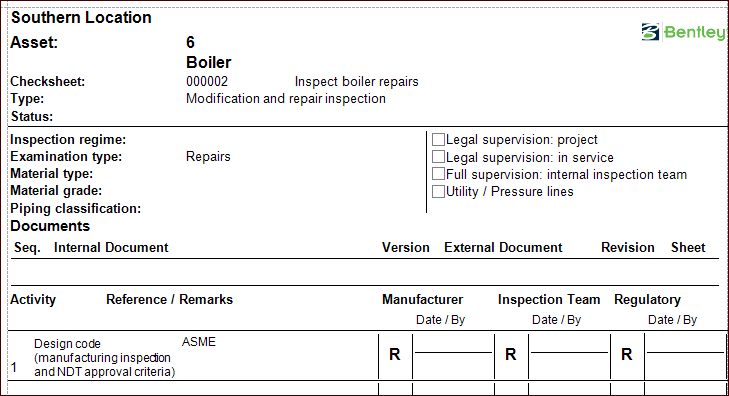
The form’s introduction includes the information that you entered on the Details tab. The activities are listed in the order of their sequence numbers, along with their references, remarks, and status abbreviations. Each activity has space for sign-off information for each of the inspection groups. For example:
At any point in the inspection’s life cycle, you can use the checksheet’s Inspection Summary view to record the inspection analysis, summary, and recommendations.