|
Viewing Indicator Mass Update Requests
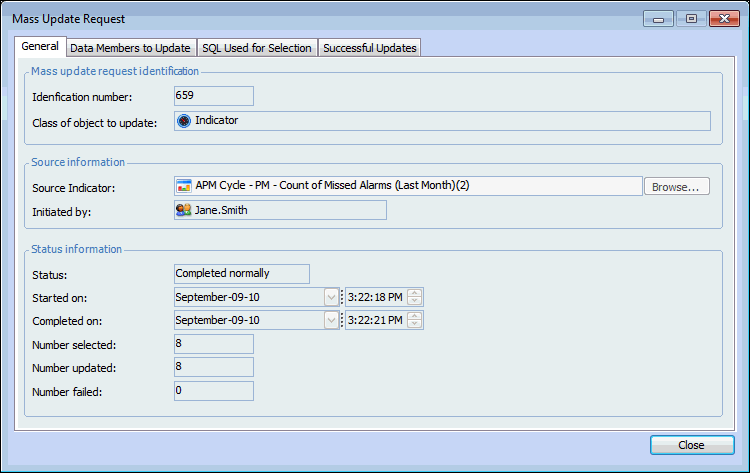
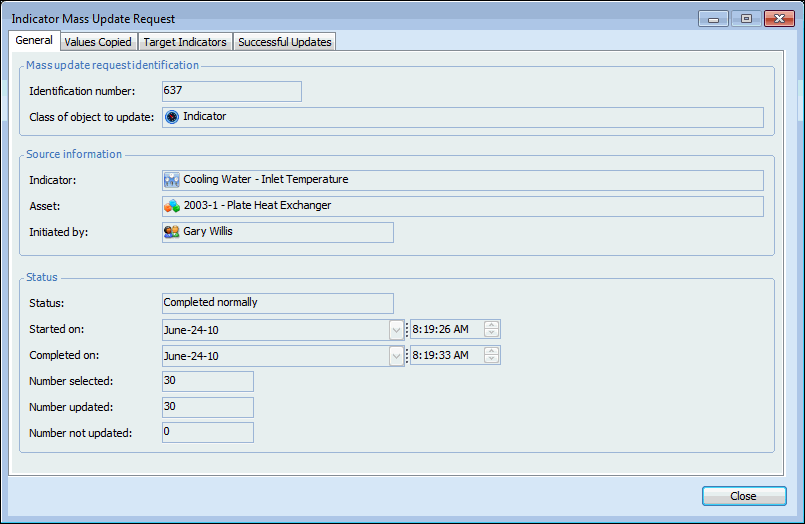
• You can view a list of the requests that have been made for all sites and indicators in the enterprise. For each request, you can view general information, the data members that were selected to be copied, and the SQL statement used to identify the available target indicators. The Mass Update Request window also displays a Successful Updates tab, Failed Updates tab, or both, as appropriate for the request.
• Stopped - the user clicked Cancel while the update was in progress.To View Indicator Mass Update Requests for the Enterprise
2.
3. Select the Indicator Mass Update Requests configuration from the list. This table lists all of the indicator mass update requests, along with the source indicator, the status of the request, and the date when it occurred.To View Indicator Mass Update Requests for an Indicator
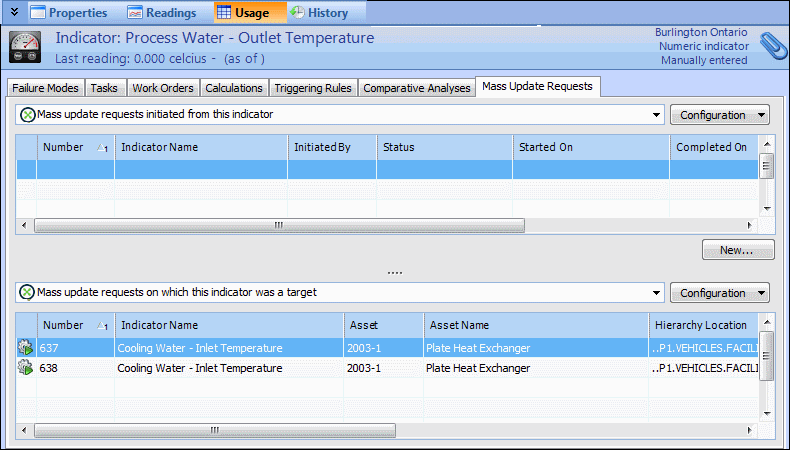
1. Open the indicator and select the Usage view.
2. Select the Mass Update Requests tab.The Successful Updates and Failed Updates tabs appear only if there is information to display on them.