|
Tracking the Inspection Effectiveness of Indicators
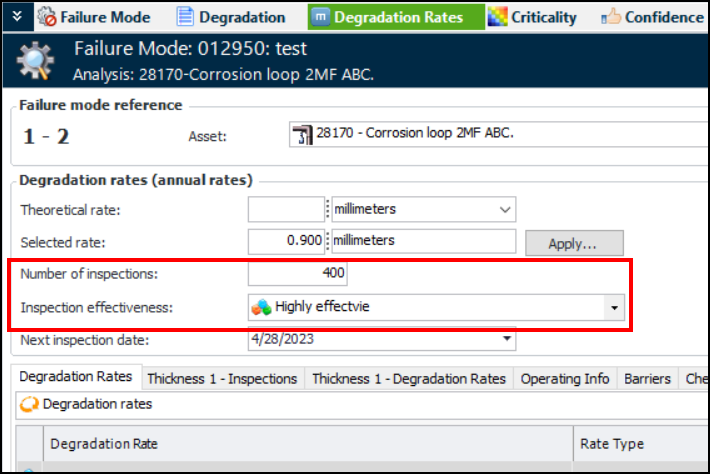
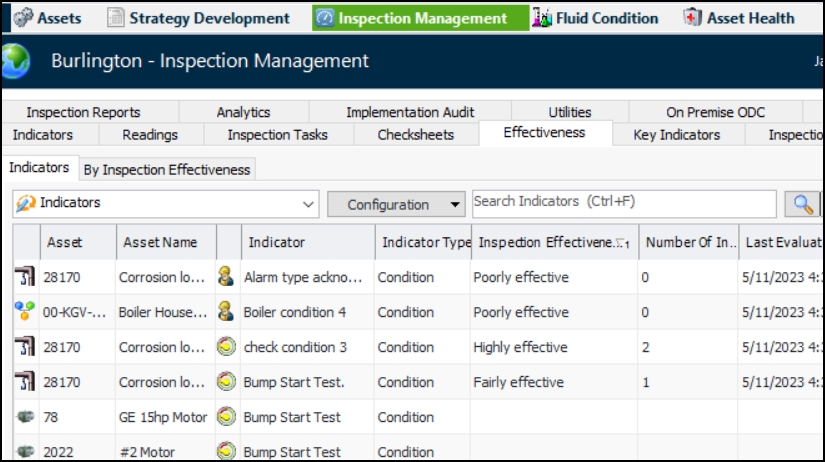
Tip: You can update indicators’ effectiveness values manually. In the Site window, click the Tools menu, Inspection Management, and then Evaluate Inspection Effectiveness. Depending on the number of indicators evaluated, this process can take a number of minutes to complete.Inspection effectiveness and number of inspections are also shown on maintenance action plans with degradation rates that reference the indicators. Look for these values in the Degradation Rates, Confidence, and Implementation views. For example:To Track Inspection Effectiveness
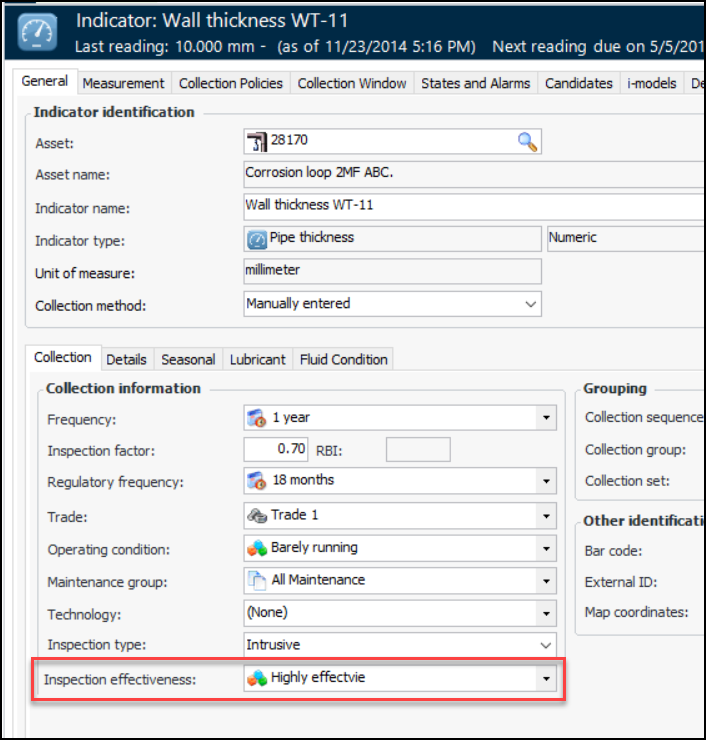
1.
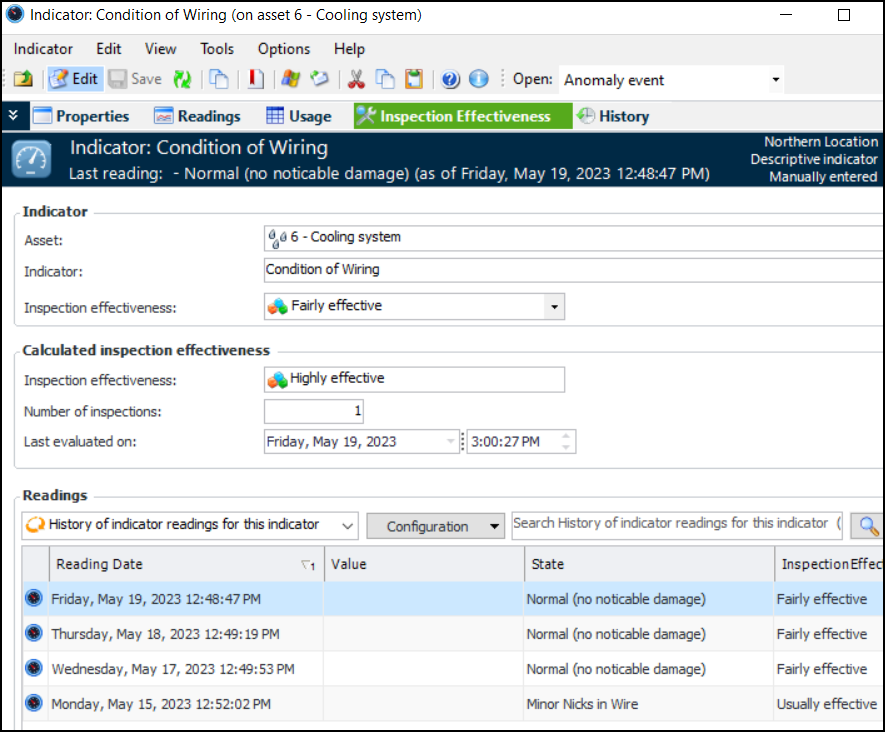
2. Double-click an indicator to open its window. Select the Inspection Effectiveness view. For example:
• Indicator area, Inspection effectiveness shows the indicator’s default value
• Inspection effectiveness shows the calculated value based on the readings and the rules
• Number of inspections shows the “Equivalent to” value that is responsible for the calculated value. This example uses a rule that says two “Fairly effective” inspections are equivalent to one “Highly effective” inspection
• Last evaluated shows the date and time when the evaluate function was last run
• Readings table lists the readings that were processed according to the rule’s Readings period setting