|
|


Viewing Indicators and Failure Modes
To View the Implementation Audit for the Site’s Indicators
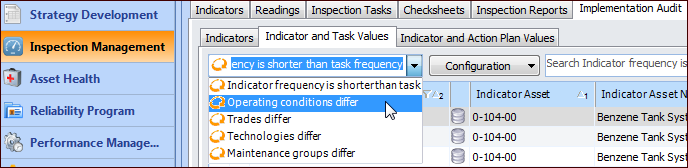
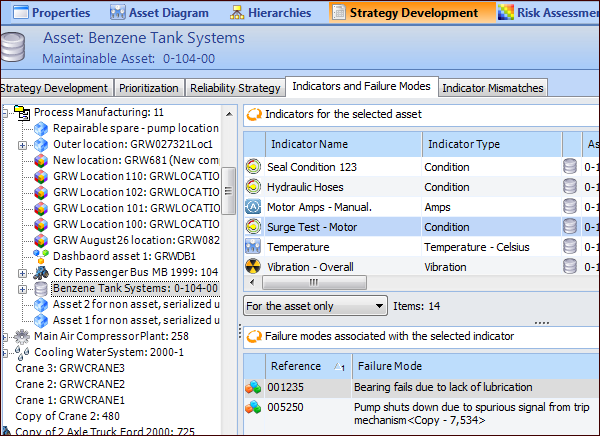
On the Site window, select the Inspection Management view and the Implementation Audit tab. There you can view indicators associated with multiple action plans, indicators not associated with an action plan, and much more. Each of the tabs provides table configurations that help you survey how indicators are currently used. For example:The Implementation Audit tab is also available under the Utilities tab, where it complements the Collection Audit tab’s information.To View an Asset’s Indicators and Failure Modes
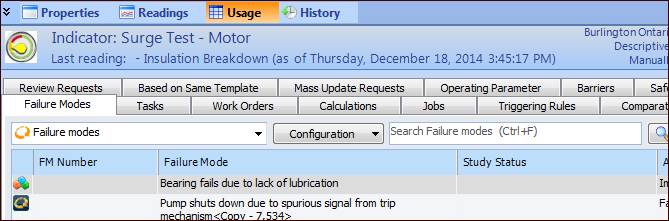
To View an Indicator’s Associated Failure Modes