|
|


Viewing Calculation Times
To View an Indicator’s Calculation Times
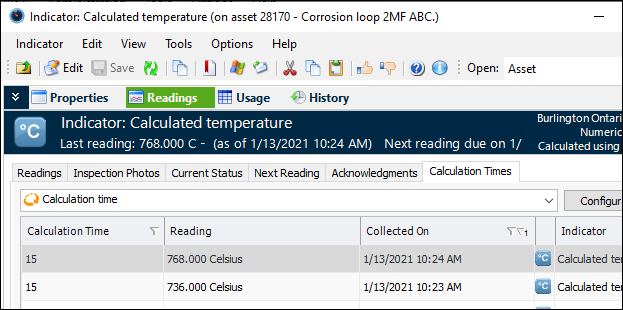
Open the Indicator window, select the Readings view and the Calculation Times tab. The “Calculation time” table displays the indicator’s readings and the time it took APM to calculate each reading value in milliseconds. For example:To View the Site’s Indicator Calculation Times
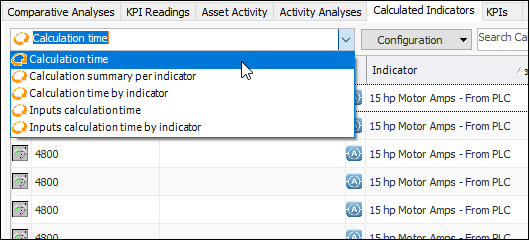
On the Site window, select the Analytics view and the Calculated Indicators tab. The configuration list provides these ways to view the information: