|
|


Linking an Indicator to a Template
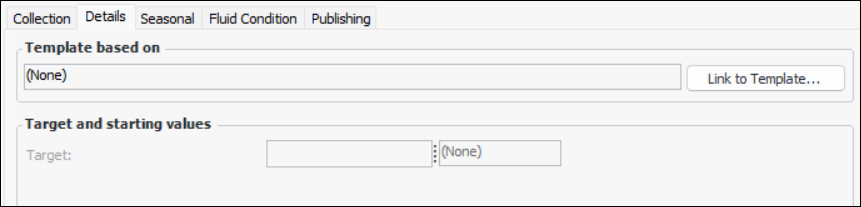
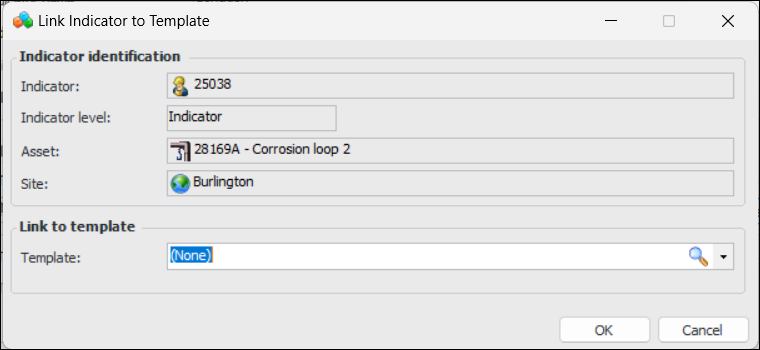
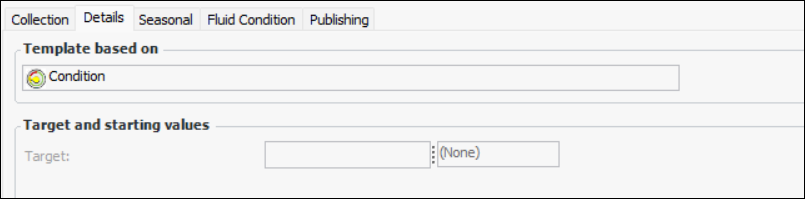
You can link an indicator (that is not based on a template) to an indicator template. Note that when you link an indicator to a template, the template’s settings and information are not copied to the indicator. However, the indicator is added to the Usage view of the template.Tip: You can update indicators either by using the Mass Indicator Update Wizard or by applying a mass update in the table configuration. For more information, see Indicator Mass Update Wizard or Applying Mass Updates.To Link an Indicator to a Template