Viewing Indicator States for a Site or Asset

You can view a list of the states that have been defined for all of the indicators on a site or an asset. States are listed according to asset and indicator, and each state’s description, alarm, ranges, and so on are displayed. The States tab allows you to review the number of alarm states on each indicator and to ensure that indicators are properly set up for failure-tracking.

To View Indicator States for a Site

1.
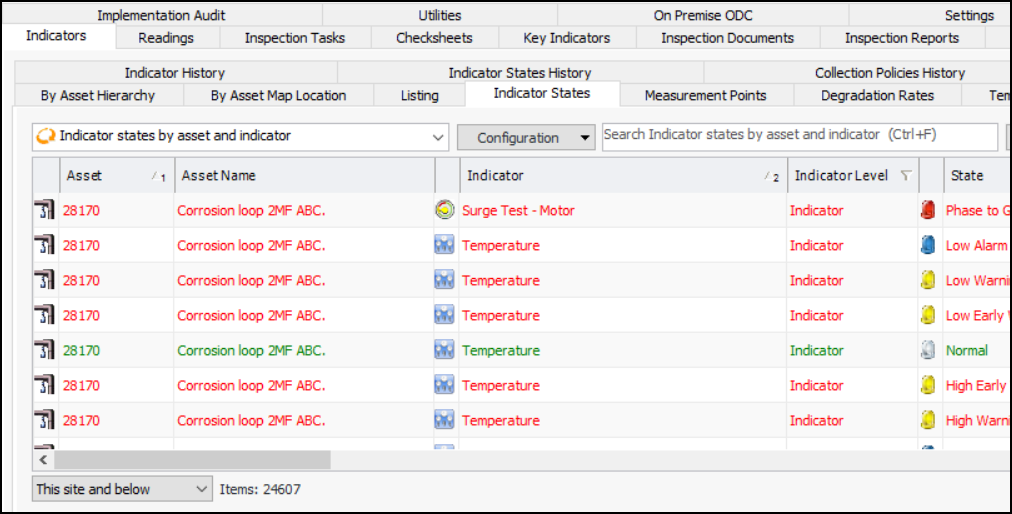
From the site window, select the Inspection Management view, Indicators tab, and then the Indicator States tab.
By default, the indicators for the site and its children are shown. You can refine the list by selecting This site and above or This site only from the list at the bottom of the table.

To View States for an Asset

1.
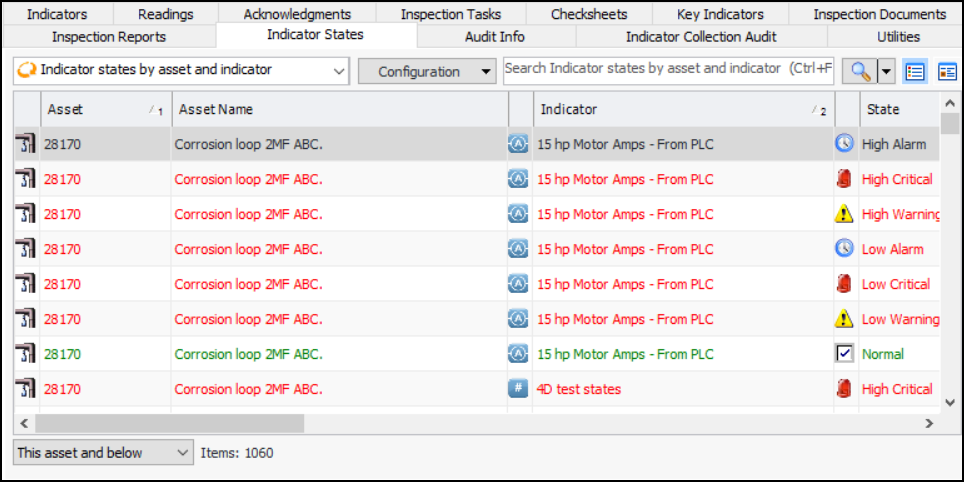
Open the asset, select the Inspection Management view, Indicator States tab.
By default, the indicators for the asset and its children are shown. You can refine the list by selecting This asset and above or This asset only from the list at the bottom of the table.