Suggesting Standard Jobs or Tasks for Indicator Alarms

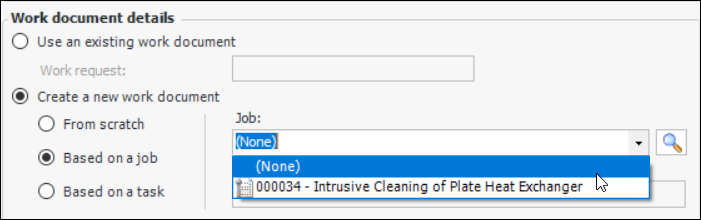
You can suggest standard jobs or standard tasks that can be performed on an asset to correct an alarm state. When acknowledging alarms, users can create work documents based on the suggested jobs and tasks selected for the indicator. For example:
You can only add suggested jobs to numeric indicators with states, descriptive, or rule-based indicators.

To Suggest Standard Jobs for an Indicator Alarm
1.
2.
3.
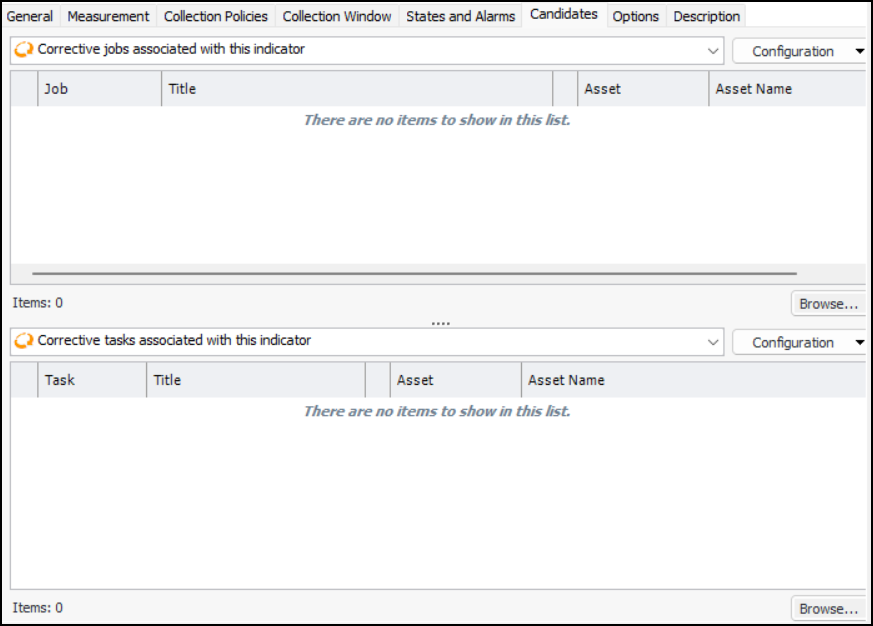
On the Properties view, select the Candidates tab. For example:
4.
To add standard jobs, click Browse below the Corrective jobs table. The Standard Job Selector dialog appears. Select the job and click OK.
5.
To add standard tasks, click Browse below the Corrective tasks table. The Standard Task Selector dialog appears. Select the task and click OK.
6.