
|
Printing a Checksheet Form or Inspection Summary Report
To Print a Checksheet Form or Inspection Summary
1. Select the site’s Inspection Management view.
2. Select the Checksheets tab. This tab shows all of the checksheets for the site.
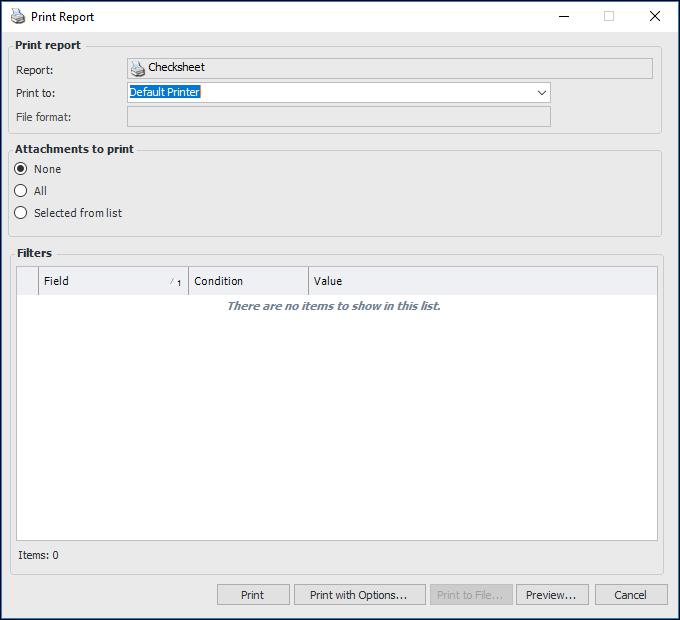
3. Right-click the checksheet, click Print, and then Checksheet or Inspection Summary. The Print Report dialog appears. For example:
4.