|
Creating Indicators from Indicator Templates
To Create an Indicator from an Indicator Template
1.
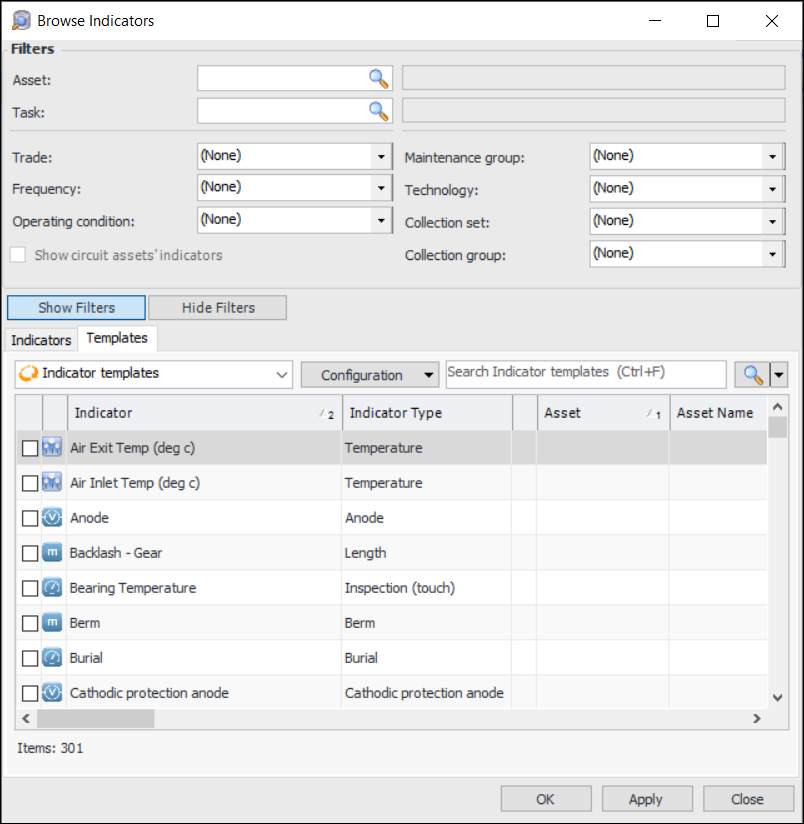
2. Tip: You can also click New to open the Create New Indicator dialog. Select From template, click the browse icon to select a template from the list of eligible indicators, and click OK.
3.
• Rule-based indicator: Check each rule clause to make sure that the asset indicators in the clause are correct.
• Calculated indicator: Check the calculation to make sure that it is using values from the correct asset indicators.
• Indicator using state: Make sure that the alarms and warnings are appropriate for the asset.
• Candidates: Make sure they are the correct standard jobs or solution packages and tasks for the asset.
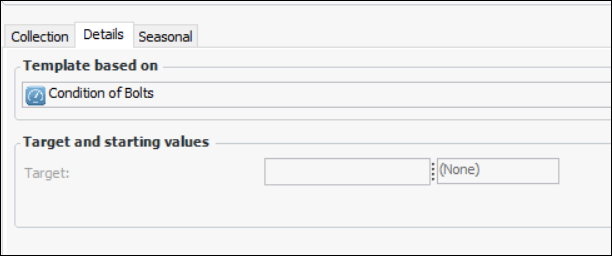
• Cascaded indicator (indicators that take readings from other indicators or are sources for readings for other indicators): Check that the cascade points to the correct indicators on the correct assets.Tip: To view the source template, select the Properties view, General tab, Details tab. For example: