|
Copying Indicators from Other Assets
To Copy Indicators from Another Asset
1.
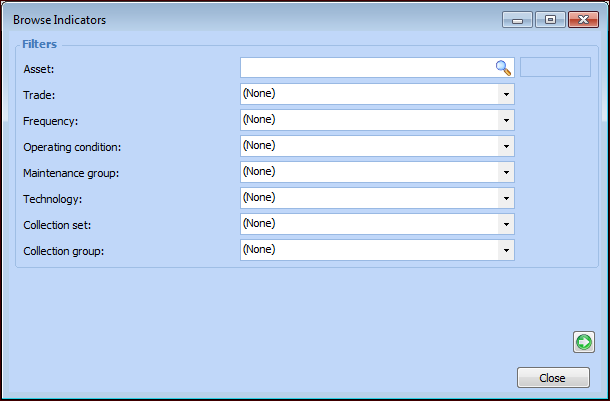
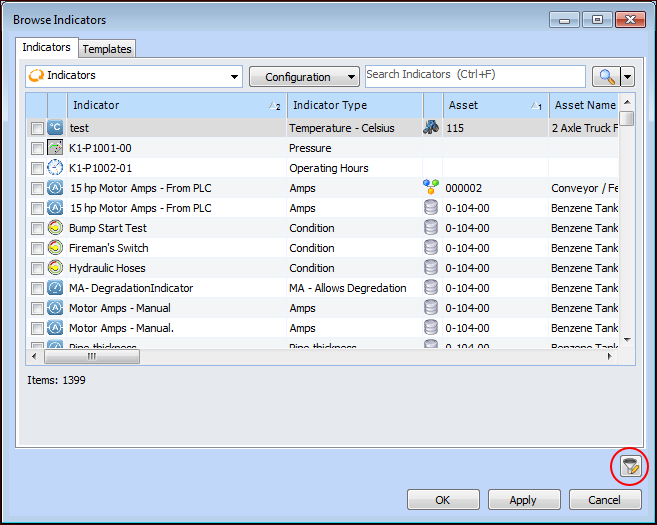
2. Click Browse. The Browse Indicators dialog appears.To view indicator templates, select the Templates tab.
4. Select the indicators that you want to copy and click OK. The indicators are listed in the table.
• Rule-based indicators: Check each rule clause to make sure that the asset indicators in the clause are correct.
• Calculated indicators: Check the calculation to make sure that it is using values from the correct asset indicators.
• Indicator using states: Make sure that the alarms and warnings are appropriate for the new asset.
• Jobs and tasks: Make sure they are the correct standard jobs and tasks for the asset.
• Cascaded indicators (indicators that take readings from other indicators or are sources for readings for other indicators): Check that the cascade points to the correct indicators on the correct assets.