
|
Identifying a Payment Supplier
To Identify a Payment Supplier
1.
2. Select the Suppliers tab. By default this tab lists the suppliers for the site.
4.
5.
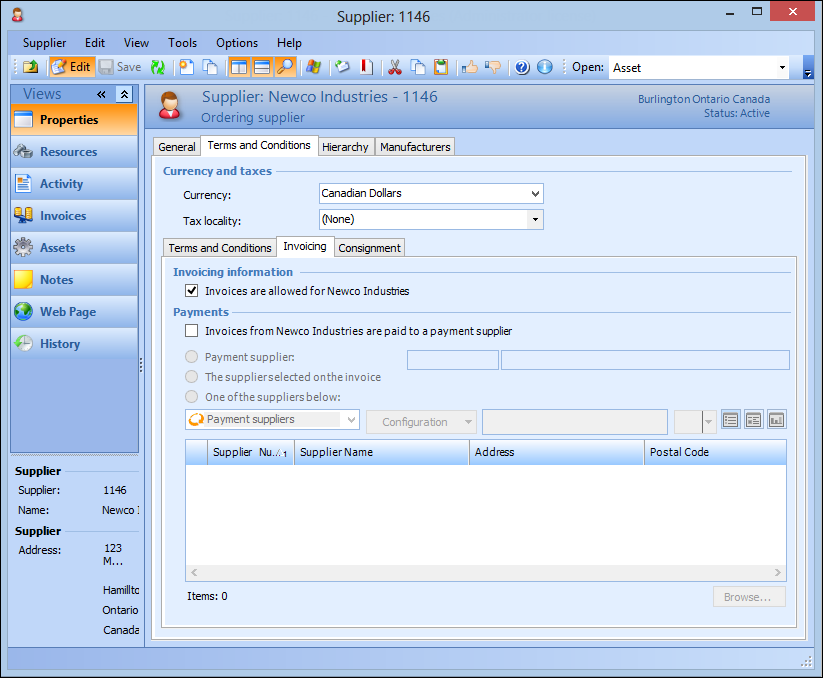
6. Select Invoices from [manufacturer] are paid to a payment supplier.
• Payment supplier: The supplier’s invoices are paid to one specified payment supplier. Click Browse to select a supplier.
• The supplier selected on the invoice: Users can select a payment supplier from the full list of suppliers when entering invoices.
• One of the suppliers below: Users can select from a specified list of payment suppliers when entering invoices. Click Browse to select suppliers.