
|
Holding an Invoice From Posting or From Payment
To Hold an Invoice From Posting or Payment
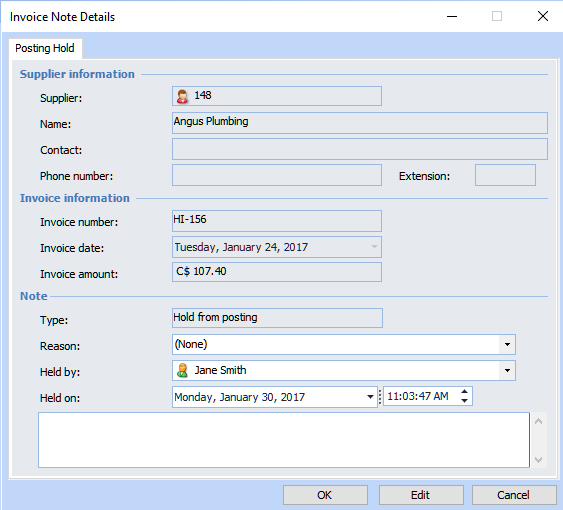
1. From the Site window, select the Invoicing view, Invoices tab, then the Invoices tab. By default, this tab lists all invoices by supplier.
2. Right-click the invoice and select Hold and then From Posting or From Payment. The Invoice Note Details dialog appears.
3. Fill in the Hold Information section:
4.