
Checking the Status of Mobile Count Sheet Activities

You can view and check the status of mobile count sheet activities from the site’s Mobile Computing view.
Note: The “Uploaded from mobile computer” action does not appear in the History table until the activity’s transactions have been processed.

To Check the Status of a Mobile Count Sheet Activity
1.
On the Site window, select the Mobile Computing view.
2.
Select the Activities (iOS or Android) tab and the Activities tab.
3.
4.
5.
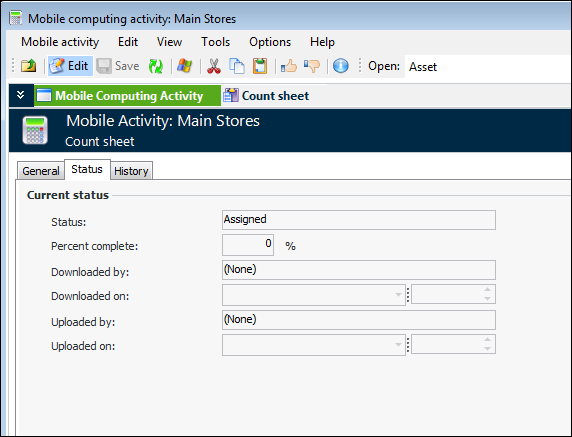
Select the Mobile Computing Activity view and the Status tab. This tab displays the download and upload status of the activity. For example:
6.
Select the History tab to view the history of events, including the user responsible for the changes and the dates when the changes occurred.
7.