|
Assigning Count Sheets to a Mobile Device
You can assign prepared count sheets to a mobile device. Doing this creates a mobile count sheet activity. When assigning a count sheet, you can select a specific device, or you can assign the computer later from the Mobile Computing view. You can also specify the shift and employee to collect the information.To Create a Mobile Count Sheet Activity
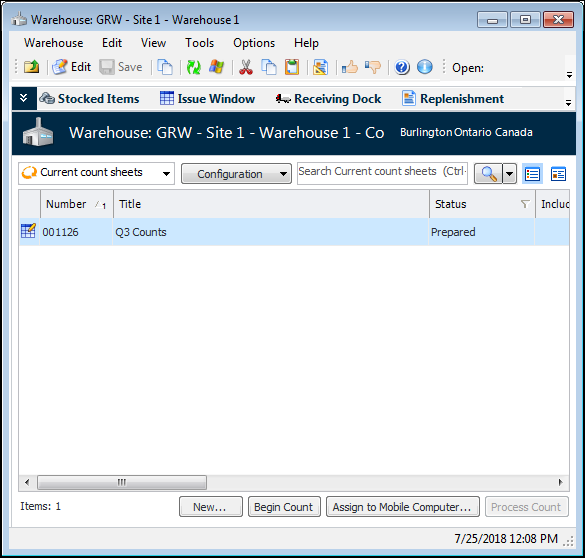
1. On the Site window, select the Resource Management view and then the Inventory tab and the Warehouses tab.
3. Select the Count Sheets view. The “Current count sheets” configuration lists count sheets with the status Prepared or Being counted.
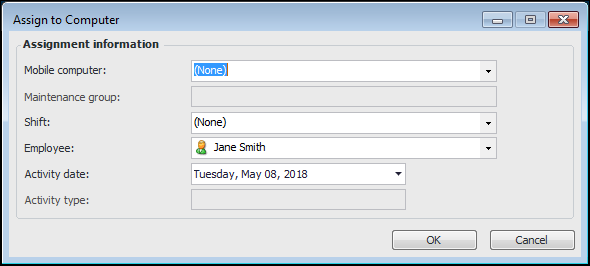
4. Select a prepared count sheet in the list and click Assign to Mobile Computer. The Assign to Computer dialog appears.
6. Click OK. APM creates the mobile count sheet activity and assigns it as selected.