Grouping and Ungrouping by Columns on an Ad Hoc Basis

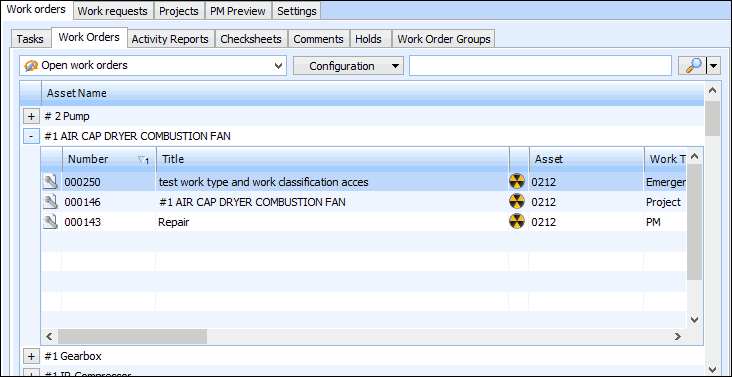
You can combine the data from several rows into one data group, enabling you to analyze data within the group. You can open the data group to see what items it includes. For example, you could group tasks by asset name. The following example shows the result when a list of assets is grouped by the Asset Type column:
 
If the table is already being grouped by a column, the new column grouping will be added as a new data group. It does not replace existing groups.
Changes made on an ad hoc basis are not saved to the table configuration beyond your APM session unless you save them specifically. To save your changes, see Saving Ad Hoc Changes in the Current Configuration or Saving Ad Hoc Changes as a New Table Configuration.
For more detailed information about grouping data, see Creating Data Groups in Table Configurations.

To Group or Ungroup by a Column

1.
2.
Right-click the column heading and select Group By to toggle the feature on or off.