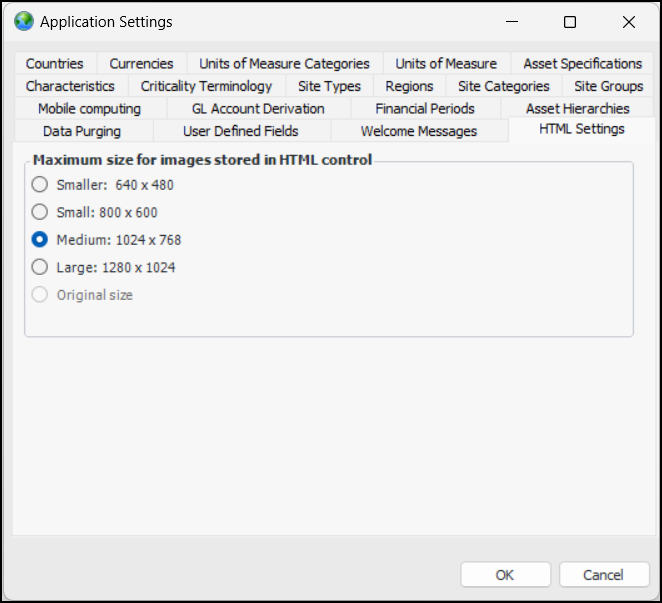
Concepts Settings Setting up the Maximum Size for Images Photographs and other images can be added to HTML controls in APM assets, checksheets, failure modes,indicator readings, failure records, and root cause analyses. Picture files must be in one of the following formats: JPG, JPEG, BMP, GIF, or PNG. All images are embedded in the APM database. Therefore, because some image files can be quite large, you can set the default pixel dimensions for images stored in APM. To Set the Maximum Size for Images 1. In the Enterprise window, click the Administration menu and Application Settings. 2. In the Application Settings window, select the HTML Settings tab: 3. Select the appropriate size. 4. Click OK.