|
Adding UOM Categories
To Add a UOM Category
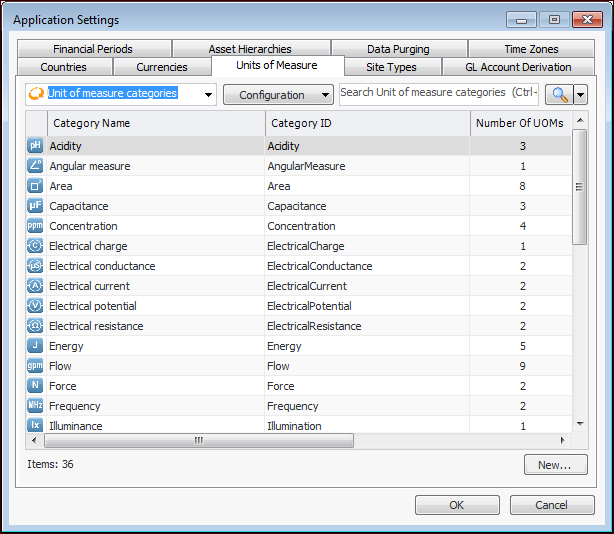
1. From the Enterprise window, click the Administration menu and then Application Settings. The Application Settings dialog appears.
2. Select the Units of Measure tab.
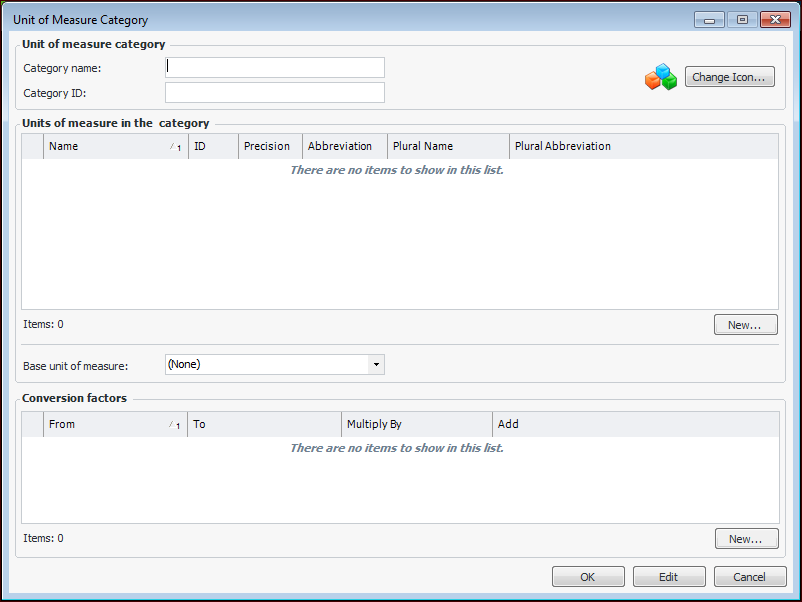
3. Click New. The Unit of Measure Category dialog appears.
5. You can now create UOMs for the category by clicking New. For more information, see Adding Units of Measure.
6.
7. When you are finished, click OK to close the Unit of Measure Category dialog.