
|
Setting up Localities
You can enter localities that apply to your sites’ or your suppliers’ addresses. Localities are used for taxes that apply to regions or metropolitan cities, rather than to countries or states. Once you enter localities, you can select the taxes that apply based on locality.To Set up Localities
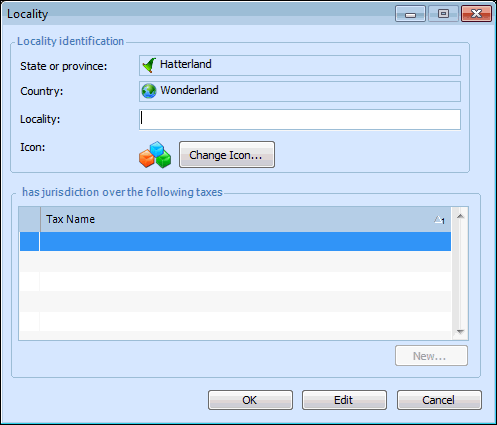
1. From the Enterprise window, select the Administration menu and then Application Settings. The Application Settings dialog appears.
2. On the Countries tab, double-click the country where the locality is located. The Country dialog appears.
3. In the States or Provinces table, double-click the state or province that contains the locality. The State or Province dialog appears.
4.
5. Enter the name of the locality and select an icon to represent it. You can enter the taxes that the locality has jurisdiction over in this dialog, or you can enter them as you are setting up taxes. For more information, see Setting up Taxes.
6. Click OK to close the Locality dialog.
7. Repeat steps 4 to 6 for each locality within the state or province. Click OK in the State or Province dialog, then in the Country dialog.