
|
Setting up Late Charge Rules
To Set up Late Charges
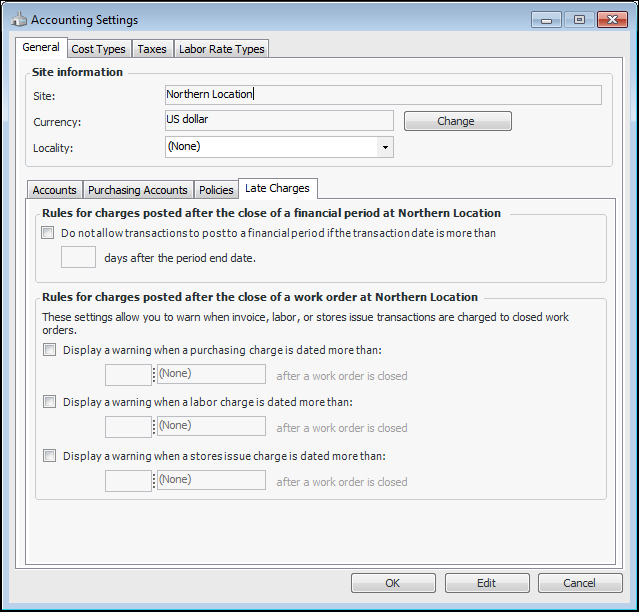
1. From the Site window, select the Administration menu and then Accounting Settings. The Accounting Settings dialog appears.
2.
Individual transactions can still be posted to closed periods using the Post to Closed Period action on the transaction.
5. When you are finished, click OK to close the Accounting Settings dialog.