|
|


**Setting Enterprise Properties
The enterprise also contains global settings and tools, such as asset hierarchy settings, site types, security profiles, GL accounts, and scheduled actions. It also lists the installed APM products and their activation statuses.Note: It is possible to change the enterprise currency after the enterprise has been established. However, if document approval routes have already been set up, be sure to run the Recalculate Approval Routes Limits scheduled action. This ensures that the maximum approval limits on approval routes are converted to the enterprise’s new currency. For more information, see Scheduling Actions.To Set Enterprise Properties
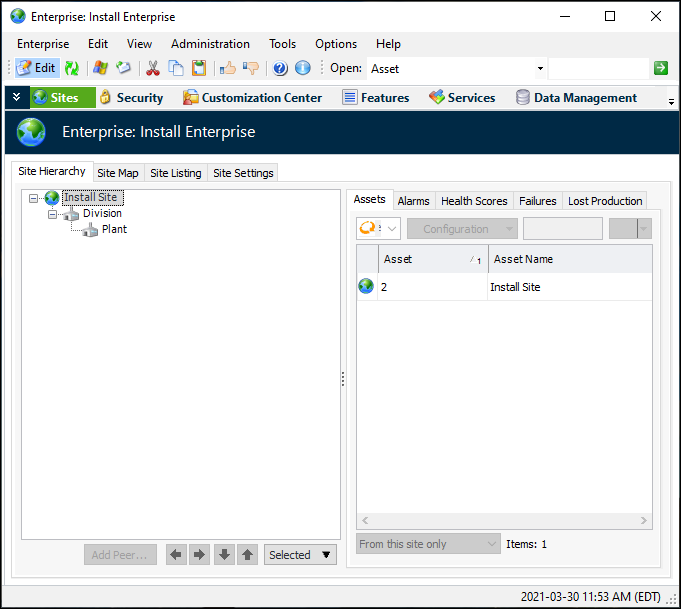
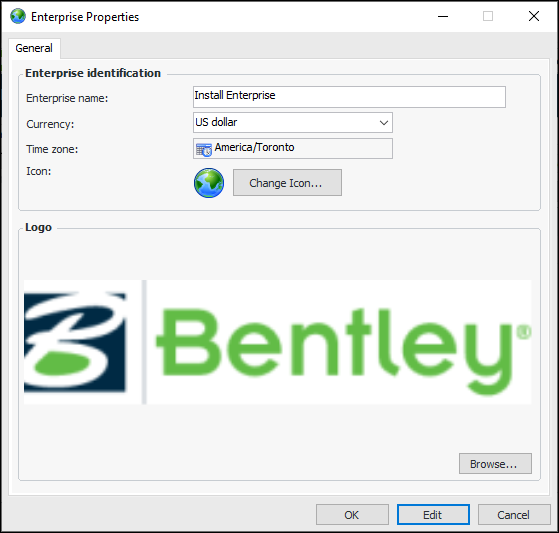
 on the tool bar. The Enterprise window appears.